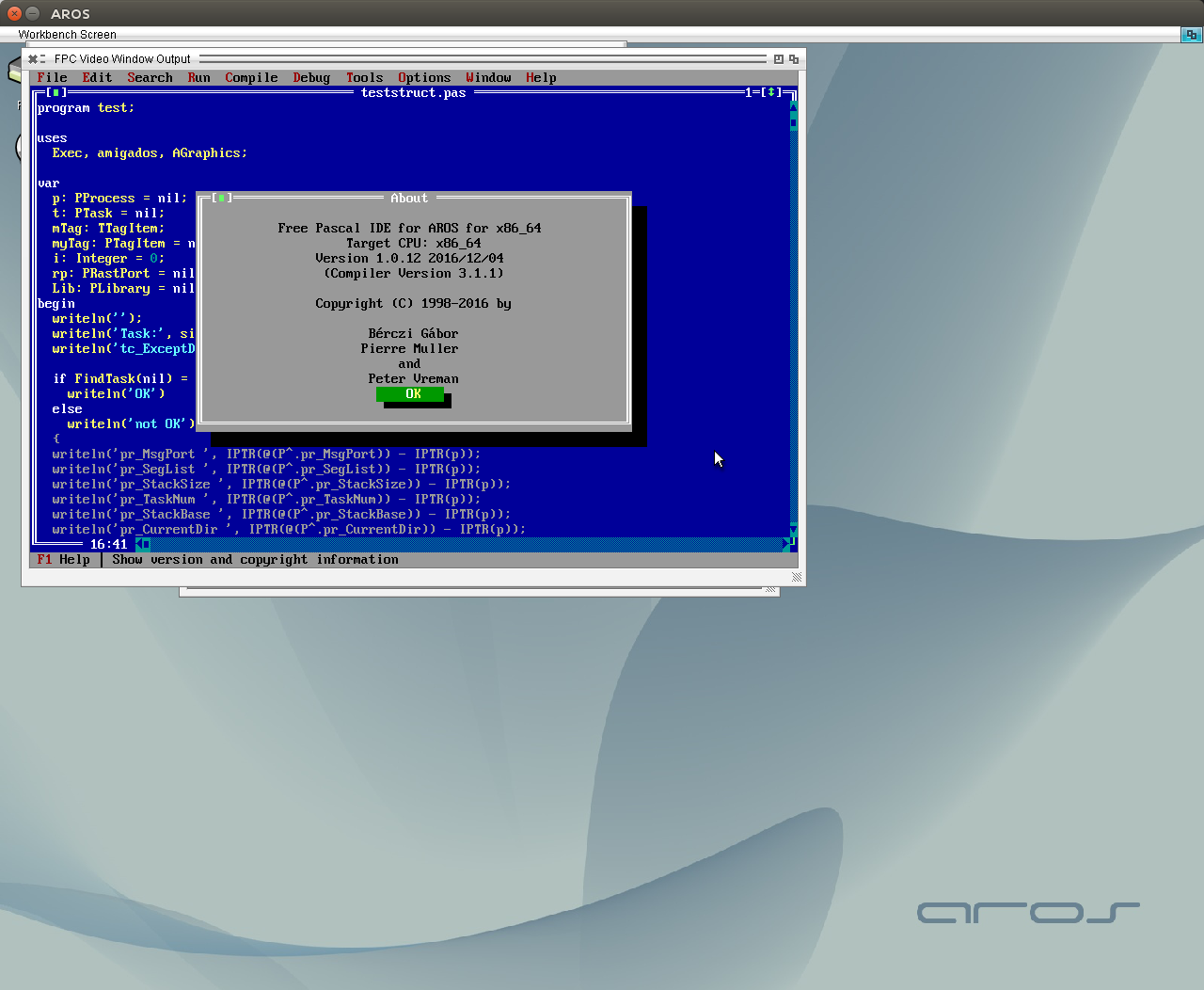
Worked a little bit more on the ABIv1 x86_64 started long time before. Found some errors and got the FP-IDE to work and some simple example sources. But LCL and fpGUI still do not work. The main reason for that are the changes between ABIv1/ABIv0 and some inconsistencies of 32bit/64bit types.
Bad thing, changes are not denoted in the C-header files for AROS, so it’s a very annoying comparing work done by hand to find if there are differences. Differences in Library offsets for functions in the most important libs are done and exec structures are also fixed.
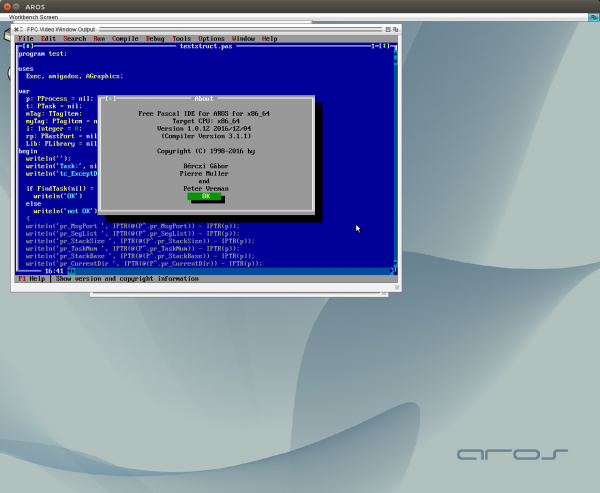
FP-IDE on x86_64 AROS
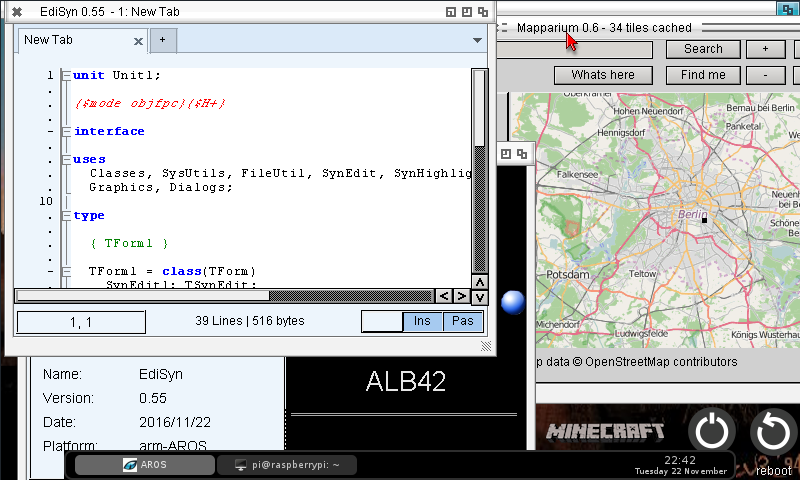
After the compilation problems are solved, it is also possible to compile and use EdiSyn (finally a good editor in ARM-AROS :-P).
So here it is, same case as for Mapparium, it’s a special version for ARM-AROS (0.55). This new Version has already some advanced features like reload last open files (also remember the line the cursor is placed)
Download at EdiSyn Page
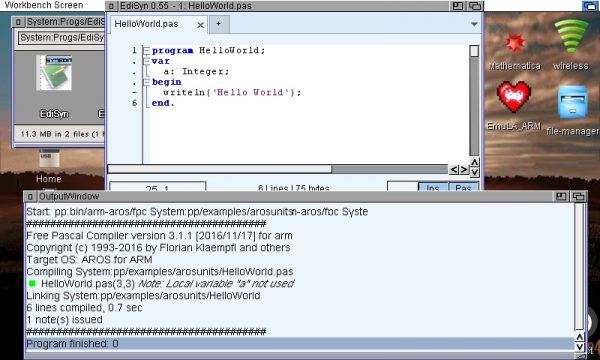
EdiSyn 0.55 ARM-AROS
I found the reason Mapparium, Edisyn and some other application crashed. All things have to be compiled with „-CaEABIHF“ to make sure all sources use the same way to transfer floating point values. The -dFPC_ARMHF is only needed by the compiler, the ABI has to set for every other compilation, so I added them also to the fpc.cfg, fp.cfg.
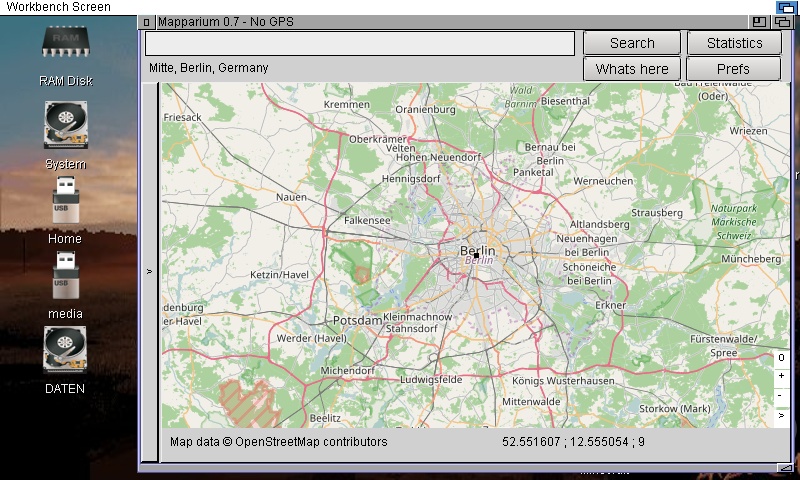
I created Mapparium Release, with the latest not official Release 0.7 which already has some basic GPS Support (position only) and the Zoom and Find me Buttons are moved into a small menu inside the map (like google maps and open streetmap webpage also have). The menu can be hidden if this disturbs someone 😉
Releases for all the other Platforms will need more time.
Download at the Mapparium Page
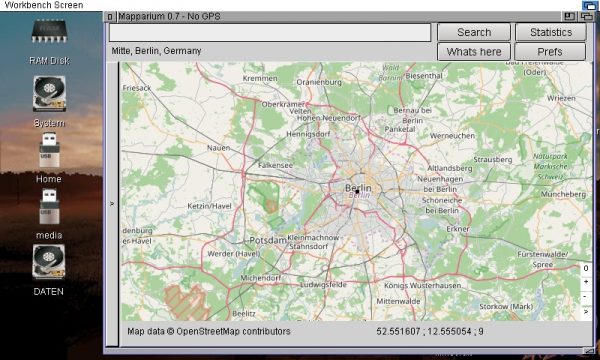
Mapparium 0.7 on RasPi AROS
In principle the ARM AROS freepascal works very nicely, but some of the LCL programs does crash, especially EdiSyn and Mapparium have this problem. I try to debug it, its strange that it only appears on ARM (i386, PowerPC, m68k no problem at this point). It seems that it is a classical use after free, but the source seems to be right. I need to check if this also happen on the other platforms and only work by random. Or ARM has special properties which bring this error. With some tricks I come around this problem and got EdiSyn and Mapparium to work. Both work well on RasPi AROS but still crash on exit so I guess there are more problems inside.
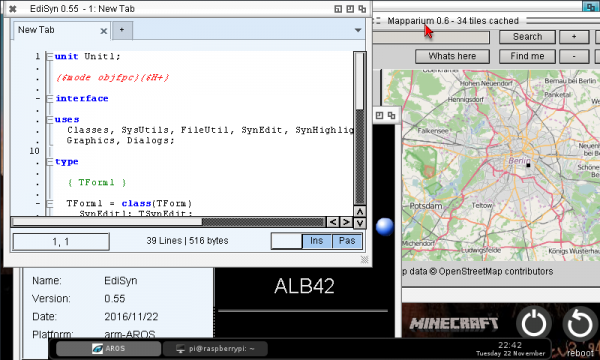
EdiSyn and Mapparium on ARM-AROS
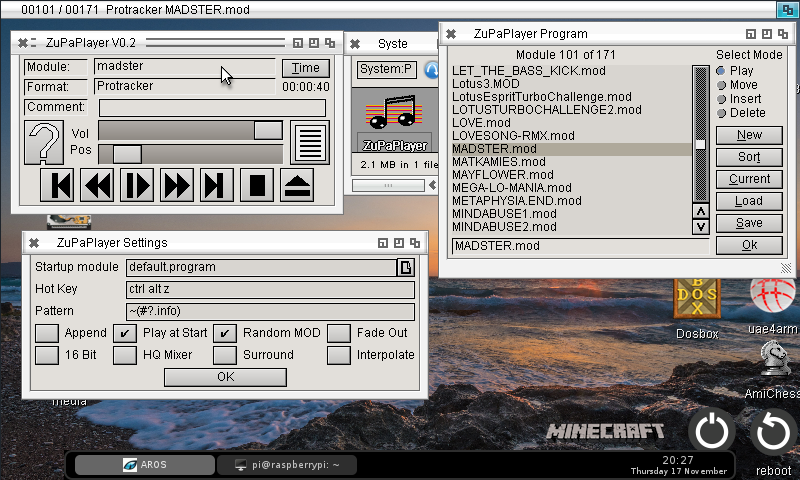
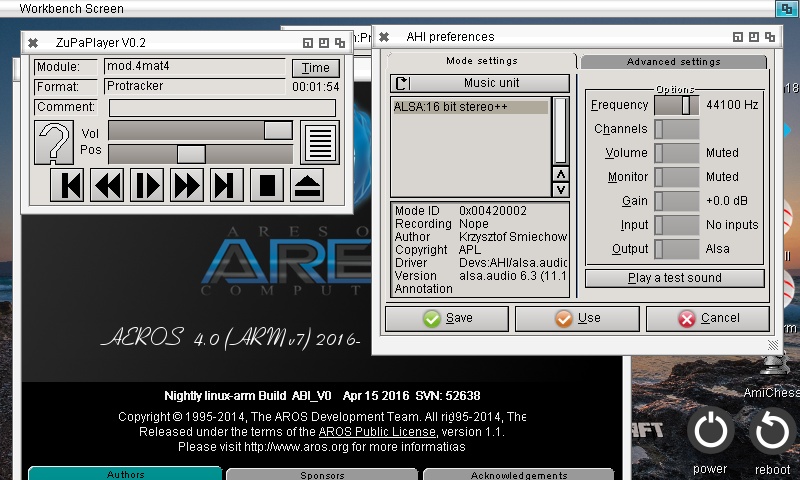
Tried a little bit more the ZuPaPlayer on ARM, seems the Zune on ARM is not on the same status as i386. A List event fired on i386, seems never fire on ARM, which makes it impossible to move songs in the list. Because I compiled the libmikmod myself, I increased the buffer for the AHI mikmod module (on i386 AROS I had some stutter problems). It works but now the pause button needs nearly 500 ms before it really stops. Not so nice, so I edited the AHI driver again a little bit and calculate the Buffersize dynamically from the frequency to cover 120 ms (got the idea from the Windows driver). Works rather nicely. So I made a release for ARM-AROS of ZuPaPlayer 0.2
Download: ZuPaPlayer 0.2 for arm-aros
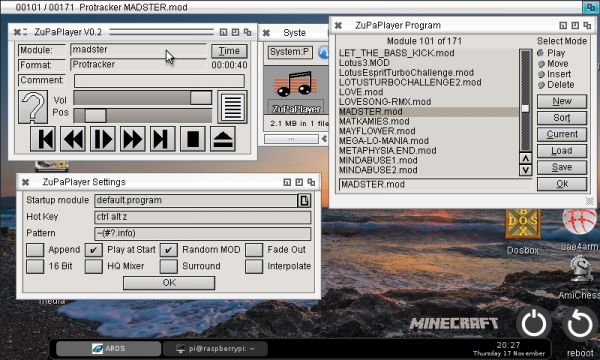
I tried some linking to AROS C Linklibs on ARM-AROS and the basic example with sqlite3 works rather nicely. But more interesting for me would be the mikmod lib because then I could compile ZuPaPlayer for my RasPi.
The main problem is the Libmikmod is not available for arm as binary. But I found the source a while ago. I tried to compile directly on the ARM-AROS and it works. And I was also amazed that also my ZuPaPlayer compiles without much changes… and you would not believe ZuPaPlayer even plays the sounds without any problems 🙂
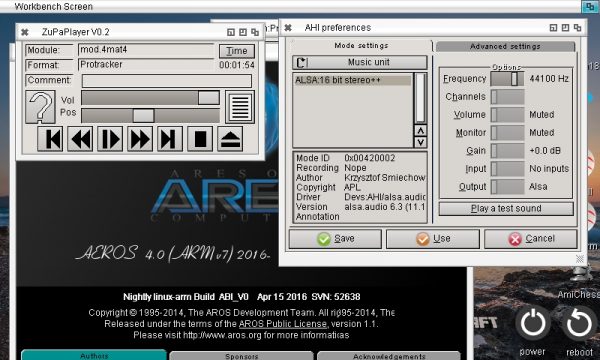
ZuPaPlayer on arm-AROS
Very nice, my Raspi has a touchscreen, so now I can use my Raspi as nice little Mod Player 😉
Compiled some programs for ARM AROS, most work, but some also do not work, with a rather strange error message. First I will add my new startup code to official repository, then I will try to debug this problem.
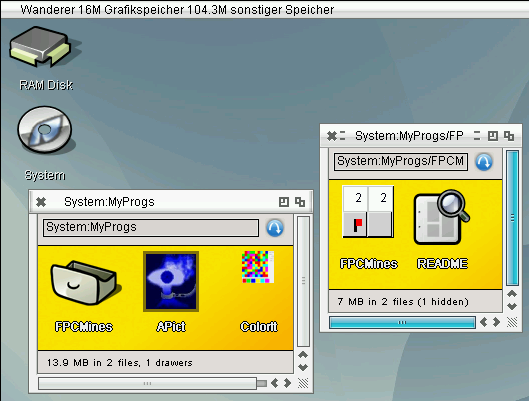
Games on ARM AROS
Download for arm-aros:
FPCMines – A Mines clone
ColorIt – Fill field with one color
APict – Simple Image Viewer
Working on the startupcode, added option to alloc a new Stack if the freepascal needed stack is bigger than the stack supplied by AROS. (which is mostly the case, AROS delivers 40k stack, FPC wants 256k). It works, even not completely finished. It’s my first bigger project with arm assembler better let someone check with more arm assembler knowledge 😉
I tried also LCL on arm, but it did not work, the Handlemessage inside MUI/Zune makes the problem. When I checked on the Structures involved. I noticed that on AROS there are two different structures, one for BINCOMPAT mode one without this define. Until now the BINCOMPAT was only needed for m68k, but there is no special m68k-aros but only m68k-amiga and the x64-aros does not work well because AROS on x64 is near to not usable.
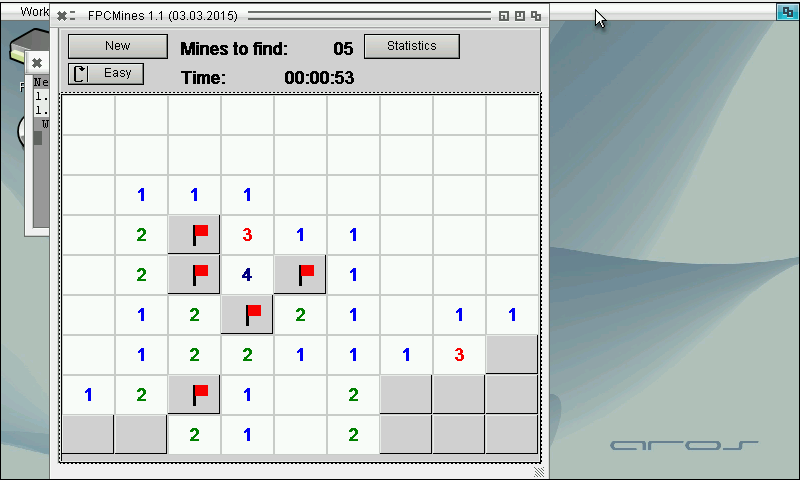
The define AROS_FLAVOUR_BINCOMPAT is now defined as default for arm-aros and it seems to work. Compiled the FPCMines as first try and it is working well.
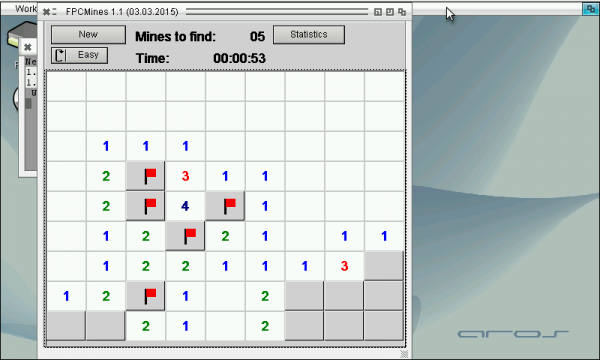
FPCMines on ARM AROS
I uploaded the arm-aros basic implementation to freepascal trunk, ChainQ added syscalls for arm and some other things to make freepascal on ARM possible.
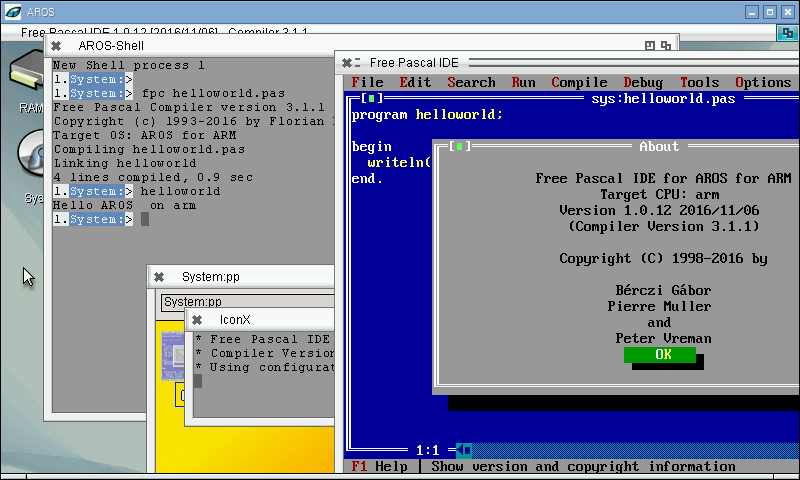
So finally the compiler works as expected, even the fp-ide works now.
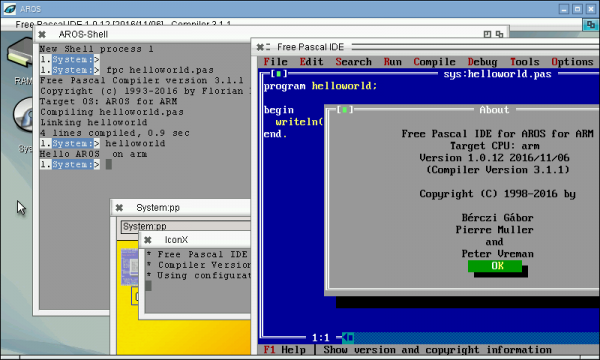
FP-IDE on ARM AROS
If someone want to try it: Freepascal for arm-aros with FP-IDE
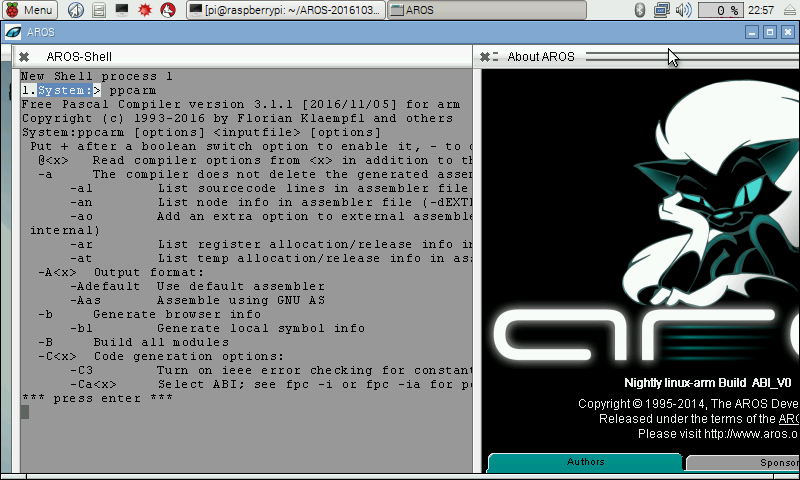
I found the reason for the crash inside SysInitFPU, it seems it uses by default the wrong FPU type. so Always -Cfvfpv2 has to be added to use the right FPU commands just to make sure I also added the -CpARMV6 to select the CPU instructions suitable for Raspberry Pi and higher. With this changes the helloworld program do not crash anymore. And also the fpc compiler works now (at least the help text).
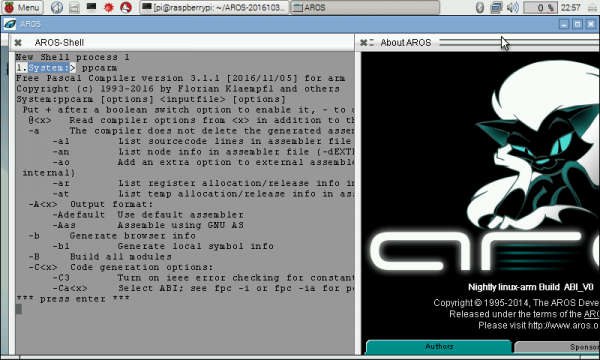
Freepascal compiler on RPi AROS