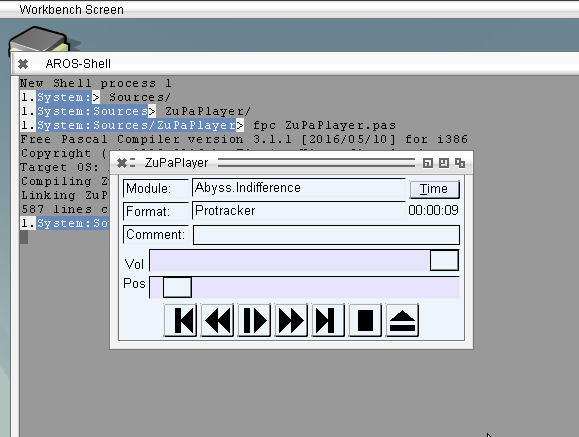
Working on the startupcode, added option to alloc a new Stack if the freepascal needed stack is bigger than the stack supplied by AROS. (which is mostly the case, AROS delivers 40k stack, FPC wants 256k). It works, even not completely finished. It’s my first bigger project with arm assembler better let someone check with more arm assembler knowledge 😉
I tried also LCL on arm, but it did not work, the Handlemessage inside MUI/Zune makes the problem. When I checked on the Structures involved. I noticed that on AROS there are two different structures, one for BINCOMPAT mode one without this define. Until now the BINCOMPAT was only needed for m68k, but there is no special m68k-aros but only m68k-amiga and the x64-aros does not work well because AROS on x64 is near to not usable.
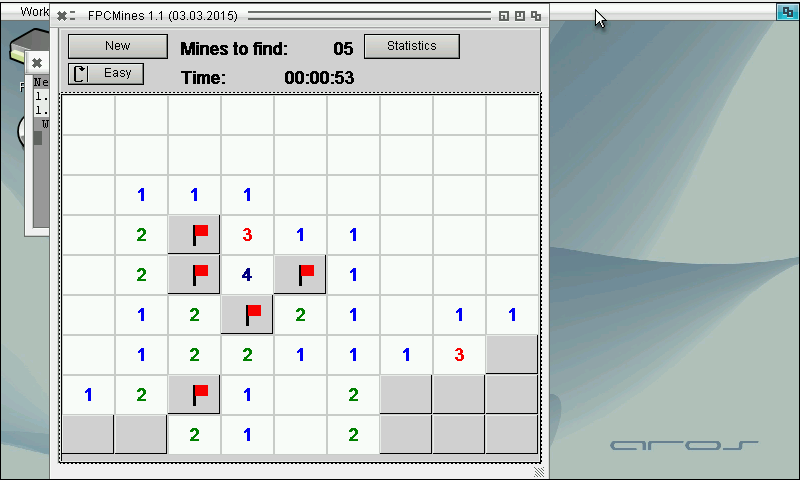
The define AROS_FLAVOUR_BINCOMPAT is now defined as default for arm-aros and it seems to work. Compiled the FPCMines as first try and it is working well.
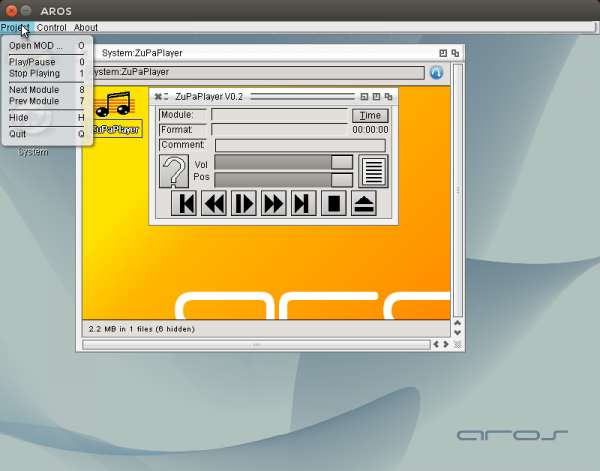
Included more menus and key strokes for the different functions, the hotkeys for existing buttons is very easy, there is a special field to trigger them (MUIA_ControlChar). That means you do not have to care about, Zune does it care about. But for other hotkeys, like Volume up, down, mute and so on, it is not possible. I did not get it to work using InputEvent field. The event is fired on keypress. I didn’t find a way to check which key is pressed because the Message pointer points to a Zero-ed area, maybe a Zune bug. In the net I didn’t find a source using that function (except directly, but not via a Hook). Of course it is nice to have the hotkeys also denoted at the menu entry. Sadly the MUI_MenuItem_Commandstring still does not work, so the Amiga sign is always shown at the menu entry with the key. I filed a Bug report about it, but I checked the latest source, it’s still not fixed. I looked into the source and found that this field is just not used and sent to the system. I’m not very good at C coding but even I was able to include this, because it’s just equivalent to the enabled flag for example. The Diff of this change is now included for ABIv0 and ABIv1 and it also work in the latest nightly. Hopefully the next Icaros will also include this change, until that the Amiga-key sign is there, but you do not need to press it.
Besides this I also included a hotkey to open ZuPaPlayer if it is hidden. (Ctrl-Alt-z is the default, but can be configured in the Prefs Window). For this purpose the commodities.library unit had to be included to Freepascal.
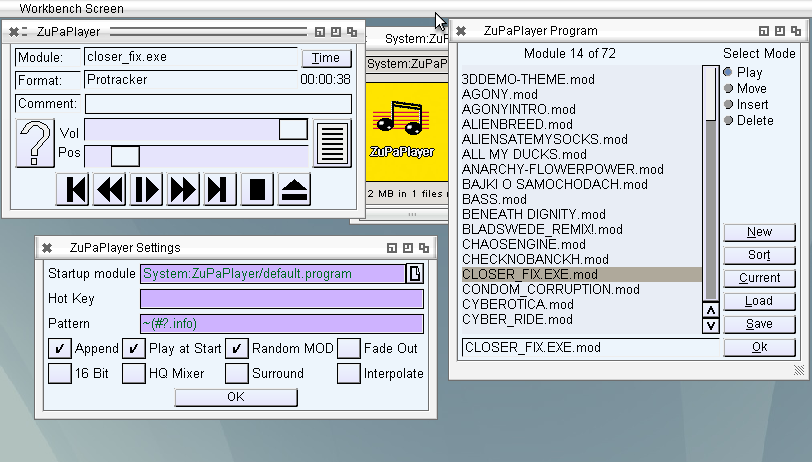
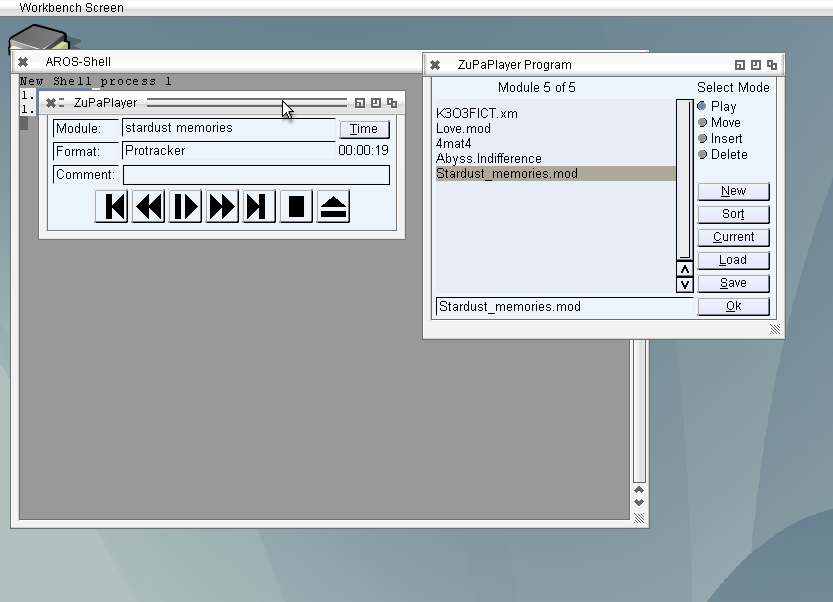
Added a settings window to ZuPaPlayer, the most things are working already, at least what I need 😛 hotkeys and menu is not finished but the rest works already very nice. Maybe I should check some other MUI applications how Hotkeys are made MUI/Zune style. I’m still not very satisfied with mikmod, maybe it would worth a try on modplug. Nevertheless if someone is interested here is the current state. It’s early version so it is not complete maybe crash or strange behavior.
Working more on the ZuPaPlayer, now with the Listing of MOD Files, with sorting, moving like Delitracker does it. Even it is a little bit strange 😉
Of course, it saves and loads MODlists compatible to Delitrackers MODLists (#?.program).
(Note: the sound errors only appear in the video, seems due to the recording software)
Implemented Volume setting and play position to ZuPaPlayer. The Pause does not work well, sometimes it crashes after pause. I implemented an other method, simply not calling update for the Pause time, seems to work, without crash.
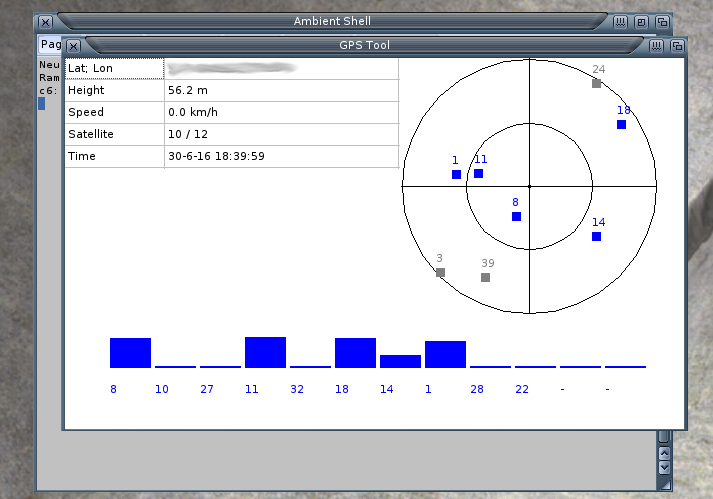
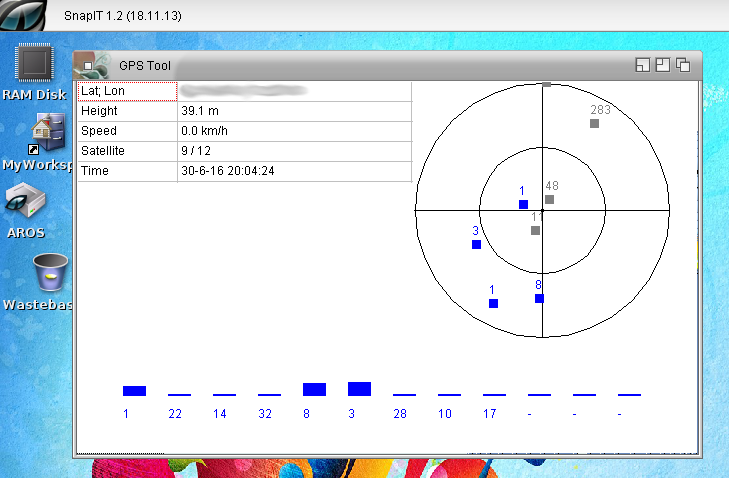
Worked a little bit more with GPS. At Aros-Exec, someone was so kind to test and other GPS with the program seems he also found one which works.
I put all things together and added some more debug output. In principle its still only a tool to learn how to operate GPS devices to build to Mapparium later. But in fact it’s also a nice little tool to play with. The record track function was so easy to implement so it could be a more lightweight tool to record Tracks, instead of the big Mapparium. It even works on Amiga without GFX-card (unlike Mapparium).
It got an own page, on the Mapparium page it would be too messy. But I don’t think they will be much updates on the little program, maybe later I will clean up a bit and put the source to github.
A new Mapparium release bring the image position showing to public including some AREXX commandos for it. But there are more changes. Finally I added a Menu for the Main Window. There are some problems with the menu on MorphOS, and I want to prevent bug announcement about this. I should really again try to find a clue about it. Besides this added overall statistics.
On request I added a nice little feature to Mapparium. It can now extract GPS informations saved in the EXIF of JPG photos. Usually smartphones and better cameras with GPS chips add them to the photos.
Really nice to remember where the photos are taken. a little preview of the image is included, sadly the JPG loading is very slow on MorphOS. I’m not sure whats the reason for this maybe some x86 optimization or general endian problem. So I decided to make the preview with a small preview of the image loaded and call MultiView to show the whole image on request. Mostly the small image is enough to have an idea whats on it. And with MultiView you can inspect in detail. Of course it would be nice to make it configurable later.
Little movie to show how it will work:
The GPS support will have to wait a version more I think, still need a lot of work, and if included track recording and so on should also be implemented, so still a lot of work.
Support for GPS devices will be a nice thing to have in Mapparium. The GPS devices mostly use a protocol name NMEA via serial connection, nowadays mostly via USB2Serial adapter. I own a old Garmin GPS with serial cable and a newer USB GPS device.
The main problem is that my PowerMacG5 Computer does not have a serial interface. But I found out that my USB GPS device can work, by forcing the endpoint 0 it to usbmodem.device, sadly it does not connect by default to this driver, so you first have to force and save it.
So I wrote a little test program to read the serial data from the GPS and parse the NMEA data.
My old Garmin GPS has a nice little interface (device LCD display) to show the position, satellites and other properties. I created a little GUI which look rather the same to visualize the data. And it works really nice for my device.
GPS Tool
Currently it only works for MorphOS and AROS, in principle one could try to forward the serial interface to WinUAE and use it on m68k Amiga.