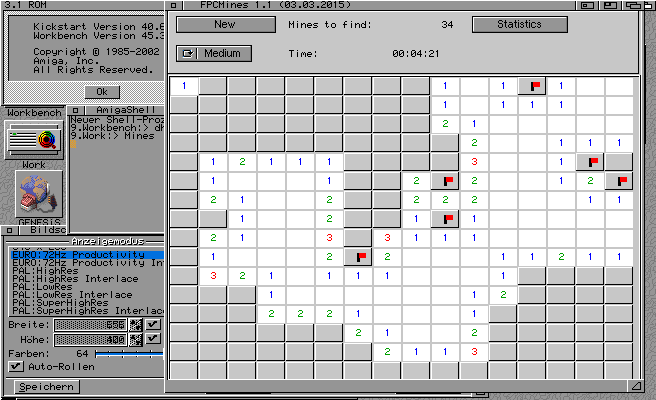
Additional try on my real Amiga1200 which does not have a gfx-card. So only AGA with 64 colors on the workbench. Also the calls to set a color on a rastport using 24bit values is not available so one have to use pens. I did already some changes in the code to use Pens on a real Amiga, and disabled the cybergraphics calls if no cybergraphics.library is available. EdiSyn sadly crash, maybe I missed one cgfx call, but the FPCMines seems to work, ok needs longt time to start and slow drawing but it works. It’s even playable in a reasonable Speed.
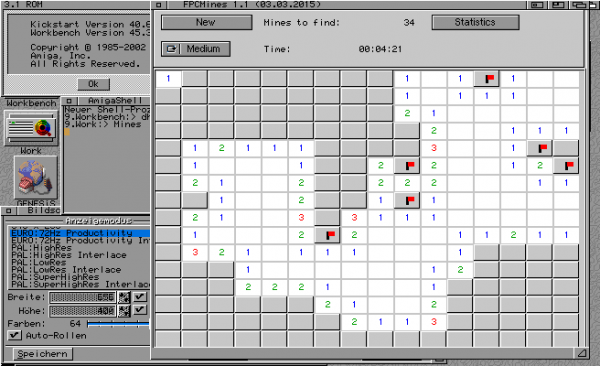
FPC Mines on a real Amiga with 64 color screen
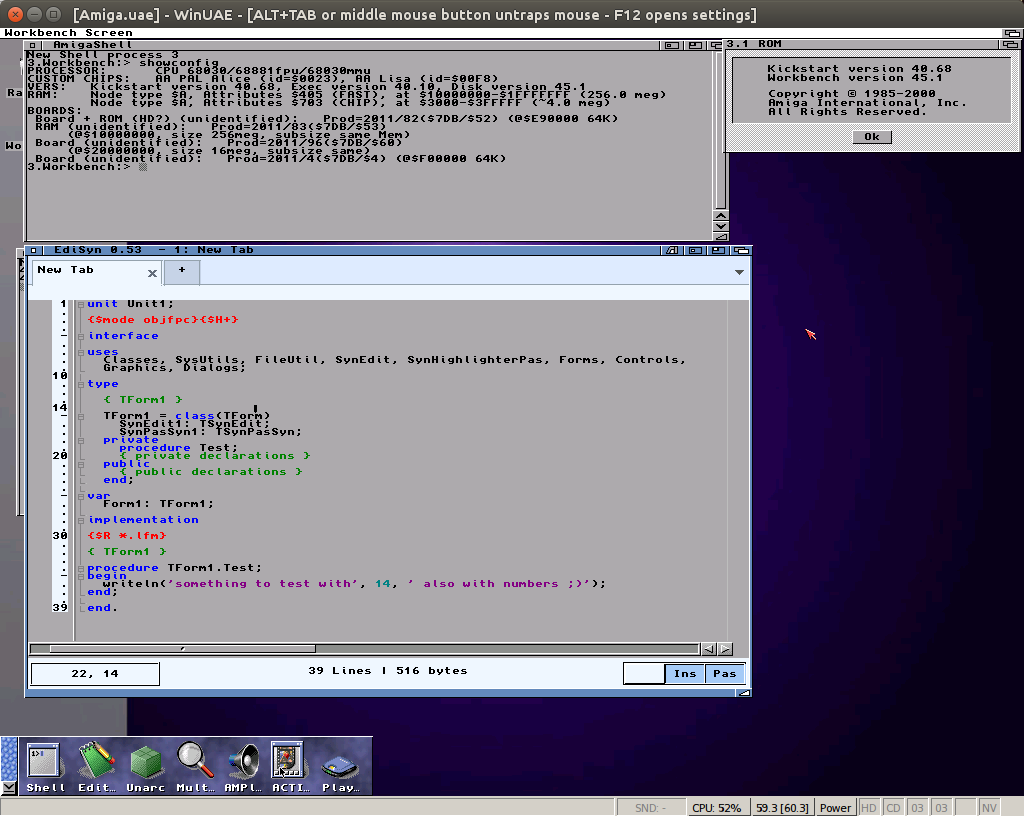
Charlie repaired the m68k fpc compiler, my hope was that also the drawing problems at 68k will disappear, and I was right, seems it was the same problem, now the drawing works much better on a classic Amiga. Even EdiSyn work now somehow.
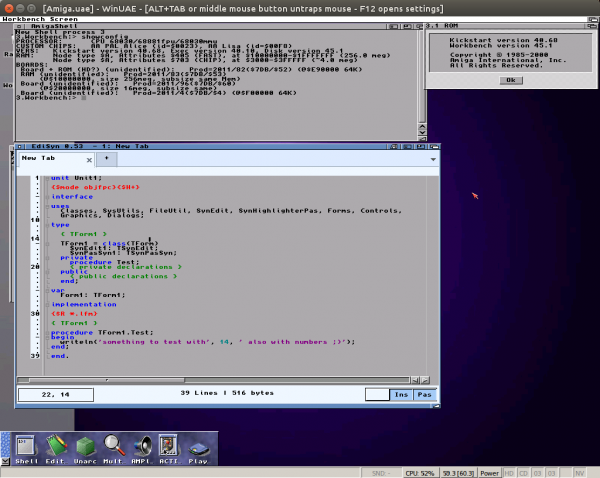
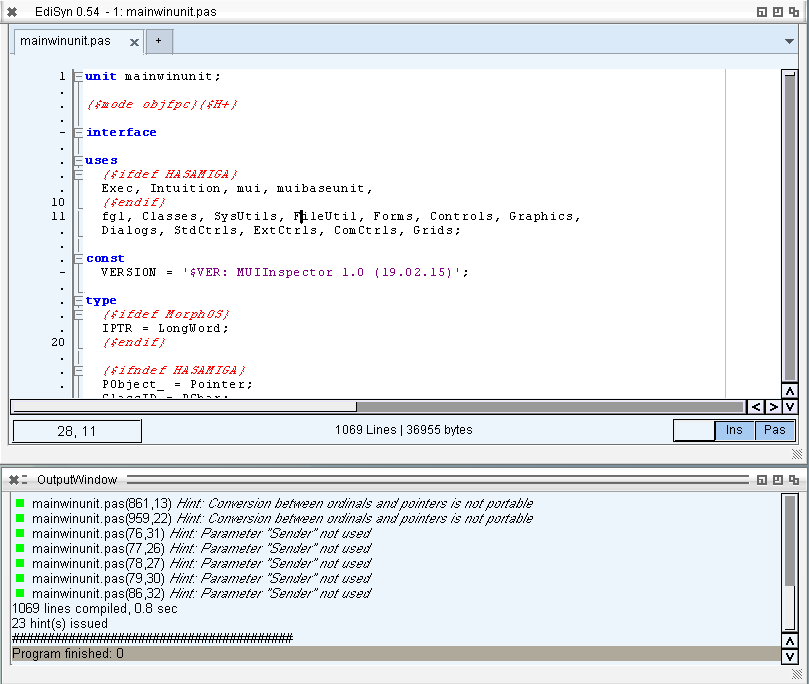
EdiSyn on a m68k Amiga with MUI 3.8
When starting EdiSyn on MorphOS many debug outputs appear in the LogTool which tell something about an odd BltTemplate call. Luckily Jaca from IRC and ond morph.Zone was able to help me and identify this problem as a text output to a bitmap over the edges without a clipping layer. And thats right, I use a buffer bitmap and rastport which does not have a layer. He kindly explained me how to install a trivial layer to it and it work. Much faster now (4 messages per second or so, on every redraw). So I made a little Video about the basic EdiSyn function.
It looks very slow, and sometimes the mouse seems not to react properly but this is only because its recorded via VNC, I didn’t find a screen recording tool for MorphOS.
Besides this I solved the sizing problem for MorphOS. The Window object in MUI returns the outersize of the window, Zune the inner size. The ClientRectangle is taken from this Value in LCL, the problem is that when the ClientRectangle is requested the Window is not open and later it’s cached somewhere so never asked again.
So on GetClientRectangle I check if the window is open and reduce the MUI returned size by the Border of the Window structure. Additionally when the window is open (set visible to True) I invalidate the client rectangle cache, there is a special call for it.
This results in a reasonable size calculation, at least the result looks comparable to AROS/Zune:
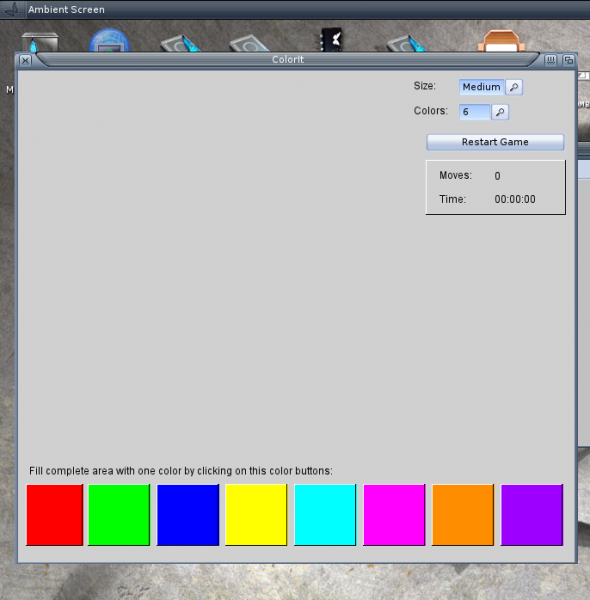
I tried EdiSyn on MorphOS before looked kind of ok but the text was not visible. Today I got an idea for the reason, the minimum/maximum size constraints hit me again :-O. My Drawing areas are Groups and as long there is nothing inside the maximum size is rather small. So the solution is rather easy connect to all my own Classes a Layout Hook. EdiSyn works now better, still looks a little bit strange, and also does not really work, still needs some work, but hey I’m happy already.
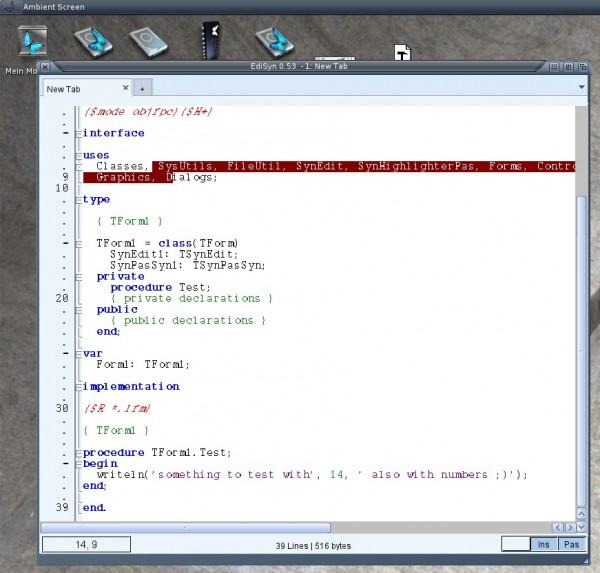
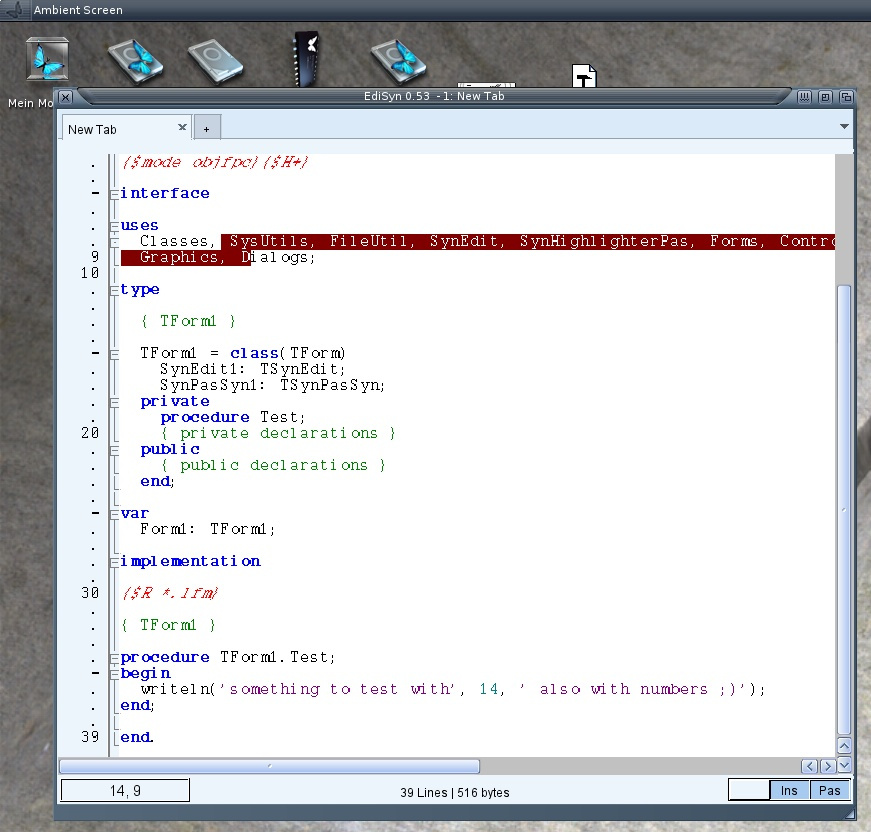
EdiSyn on MorphOS
EdiSyn had some problems on the experimental Icaros, Menu look very strange sometimes it also crashes. I fixed the problem and re-uploaded the archive for EdiSyn. Because yesterday I played around with printing so a basic printing option is also included. It’s really very easy, its like copy the the text file to PRT: with a small header to make the font smaller.
I did some tiny fixes in EdiSyn and some big changes in the LCL also have an influence to the editor. So it makes sense to release EdiSyn again.
Fixed Errors:
- Some redrawing errors, multiple redrawing removed, so it should be faster now.
- Default colors after introducing the new highlighter restored
- Buttons of message windows fix, correct index of clicked button
- green marker for Hints in Freepascal output
- Basic printing (text only to PRT:)
- Bugfix for menu in experimental Icaros
Download as always on the EdiSyn Page
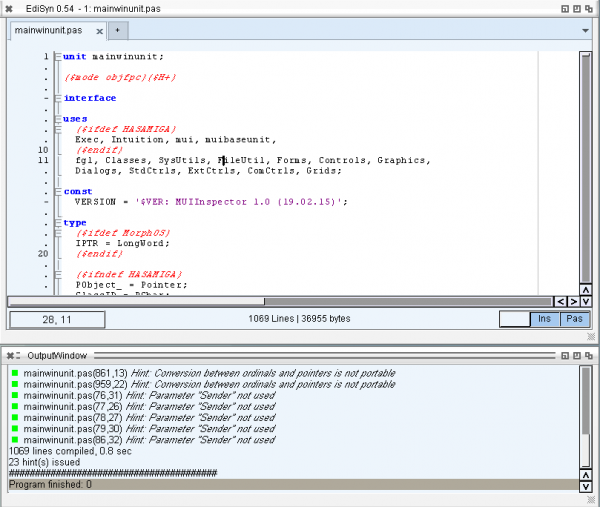
This weekend I changed a lot in the Freepascal packages for MorphOS and Amiga. For both moved the OpenLibrary and CloseLibrary to Initialization Section and Finalization Section. This bug was the reason LCL programs always crashed on Exit on both platforms. Because this bug is now removed it worth to setup a nightly compilation of the LCL for both MorphOS and Amiga and include it into the nightly experimental Releases. At First I cared about MorphOS sadly I had to deactivate the „vlink“ as linker it seems to have problems with resources. But besides this its working fine.
So from now on Freepascal 3.1 including the latest LCL compilation can be always found at:
FPC – experimental Releases Packages
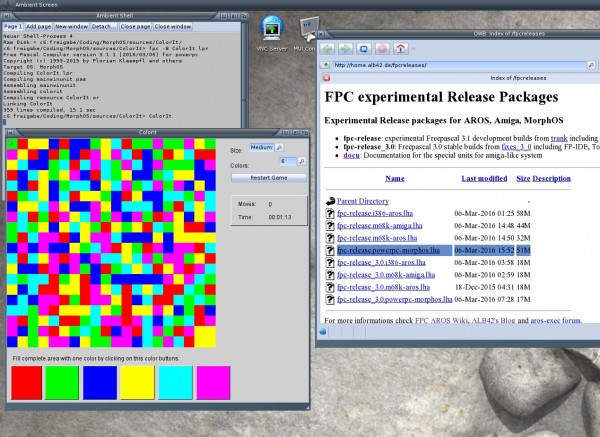
Freepascal MorphOS with LCL
Unarchive the file, there is a folder pp with icon inside, place it where ever our want, make an assign Freepascal: to this pp folder. Add the binary folder to path: „path add Freepascal:bin/powerpc-morphos“.
Navigate to your sources and compile your program with „fpc sourcename.pas“ or if it is a Lazarus (LCL) source with „fpc projectname.lpr“. Examples for Lazarus sources usable with this LCL implementation you can find in fpc-tests/lcl.
I played around with AROS64 and freepascal for x86_64-aros. the compiler self works nicely, only sometimes some crashes because it does not make it’s own stack like the other amiga/aros implementations. I should really implement that soon.
For that I got the AROS source and compiled my own AROS 64 bootable CD and setup a qemu with it. There is no official AROS 64bit distribution now. I remember some announced one long time before but nothing happend. So now I will release my little work, together with a working freepascal compiler and named it „The 100% useless AROS distribution“ or short T100pUAD.
The Distribution gets its own page: T100pUAD Page
It includes some ore themes and freepascal, later I will try to improve it more and update it to the latest changes, maybe the 64bit get a little boost, it really needs it.
The freepascal IDE I did not get to work, always crash at the same place, but it’s deep inside of AROS and maybe some memory corruption before. So rather hard to find a reason.
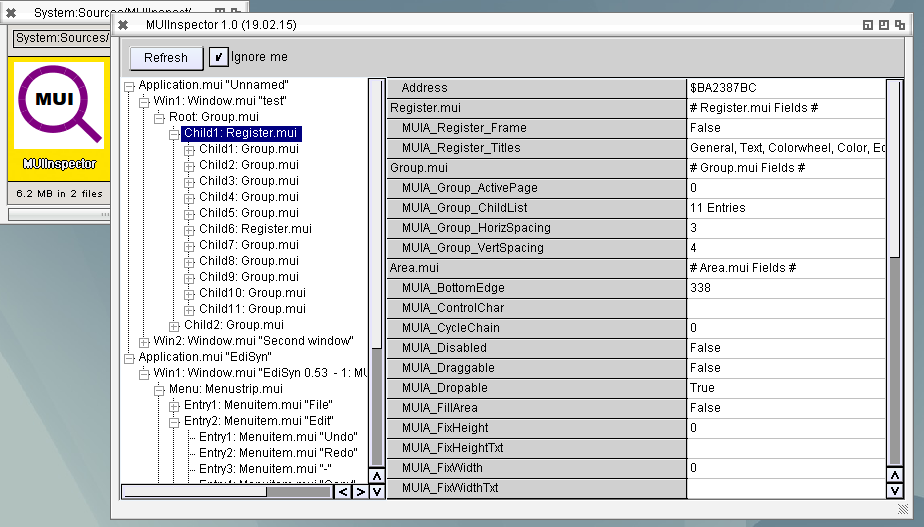
I wrote a program to Inspect MUI properties. Very helpful to read out positions and recheck the size calculations of LCL. The main problem at the start was how to tell the program which object I want to inspect. The idea was to type the address from debugout. But then I noticed that the Userdata of the intuition Window structure points to the MUI Window.mui object. Thats means I can simply browse through all the windows on the screen and search for windows with a Userdata and try to find if it is a MUI object. Check if the Class of the object is „window.mui“. I tested also with other UserData contents, „mostly“ it does not crash.
But this only works on AROS, I tried the same on MorphOS but there the UserData is always nil. Seems they use an other method to link them together, its a pity.
The program for i386-AROS is named MUIInspector and can be downloaded here:
MUIInspector 1.0 for AROS
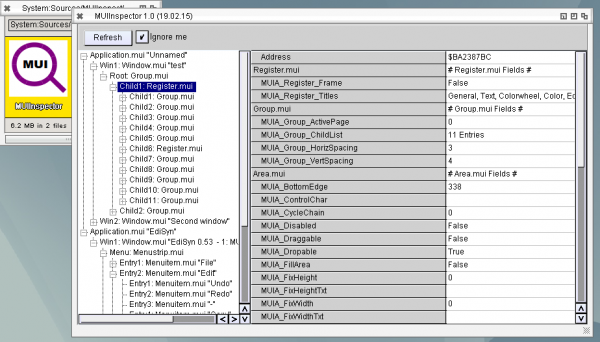
Sadly many important fields of the MUI object are not readable so not all important things can be read back to the list.
Be warned, when the program which is inspected is quickly changing, means destroy/create objects, maybe the MUIInspector is crashing. So its really only a debugging tool for me, but maybe other find it interresting as well
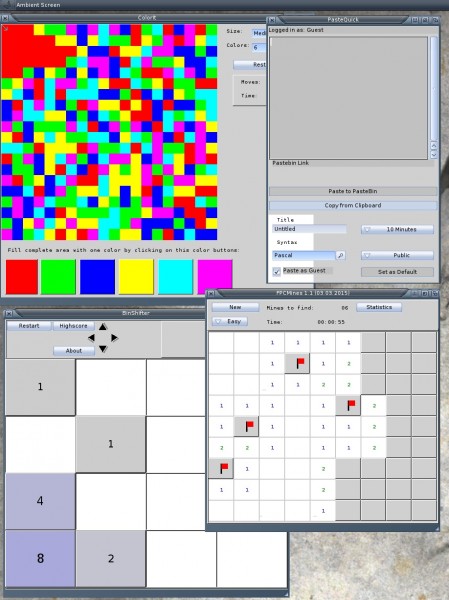
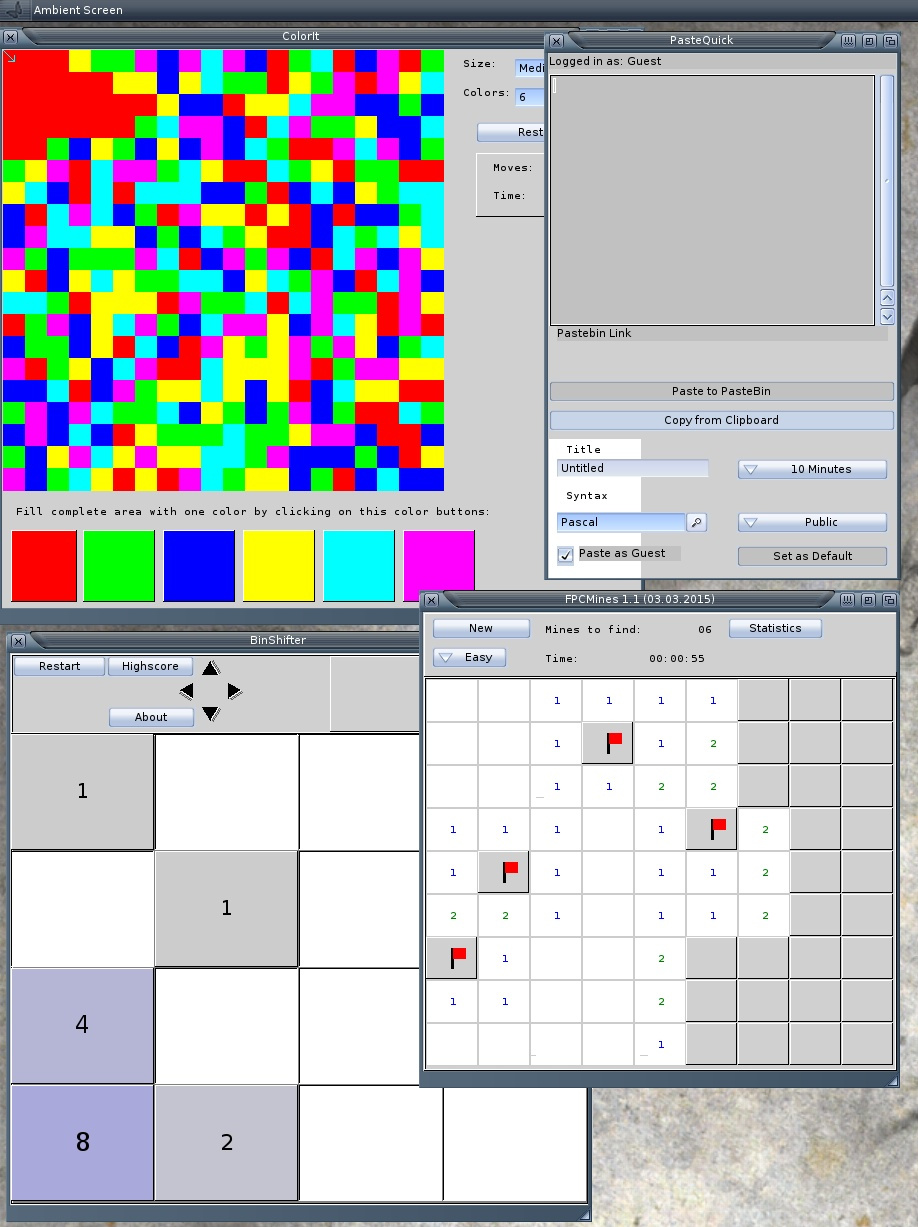
With this new fixed LCL for MorphOS I recompiled some of my AROS LCL Programs for MorphOS. THis time I striped them and packed the program with lzmaloader to make the executable smaller. So here they are:
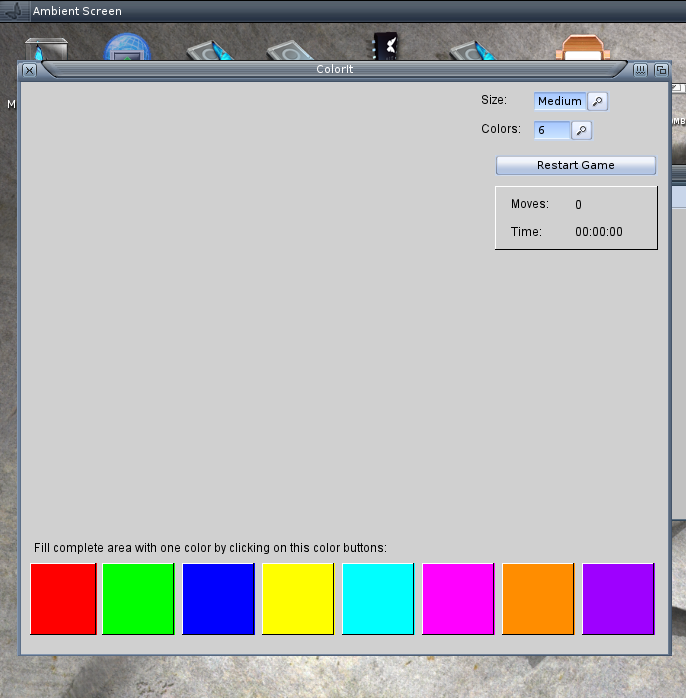
- ColorIt – Game – Flood the field with the same Color
- FPCMines – Game – Minesweeper clone
- BinShifter – Game – 2048 clone
- PasteQuick – Application – Copy Clipboard contents to Pastebin.com and receive the link in Clipboard