A little bit improvement of the raycaster engine, now with simple texture mapping included. I had to invent some fixed point mathematics to make it fast enough on real m68k Amiga but still it works nicely and just a bit slower. I found a little bug in FreePascal when using functions Trunc() or Frac(), but Charlie thankfully saved the day and made a super quick fix of it.
Again a little video on my Amiga 1200 (68030/50Mhz, 68882/50Mhz, 32 color AGA Screen) and it’s still a single source code file of less than 20kb size (many of them are comments 😉 ). and the executable is less than 100k, not bad especially because I did not optimize for size, just for speed
Again the source to download: raycaster with Texture executable for m68k Amiga and FPU with source code.
By random I came across a funny video on youtube showing the basics behind a simple raycaster like Wolfenstein 3D. I know the mathematics behind it for real rayshading and on a real Amiga it’s awefuly slow. So for me it was interesting which short-cuts they take to make it fast. It’s really not complicated to understand (if you know the mathematics already, if not I guess it stays a black box).
I tried to implement that into a FreePascal program (with some tiny changes (block size smaller for example, because of the smaller screens on Amiga)). It runs rather well, I did not want to code hardware, but use OS functions which make it a bit slow of course (especially the line drawing).
For the actual 3D image s I used RectFill but of course on a non-RTG Amiga thats very slow, therefore I changed that to write chunky pixels to a temp buffer and use WriteChunkyPixels to copy that to screen, already much faster but still not max speed. I found a funny patch (Blazewcp), which patches the WriteChunkyPixels function to be much faster, and voila really nice speed of already 12.5 fps, without turning OS of or Assembler/Hardware stuff, in pure FreePascal.
You want to have it? try it? Sure why not: Download (Source and Exe for m68k Amiga OS3.x 68020+ and FPU needed, but can be compiled and run for all Amiga-likes)
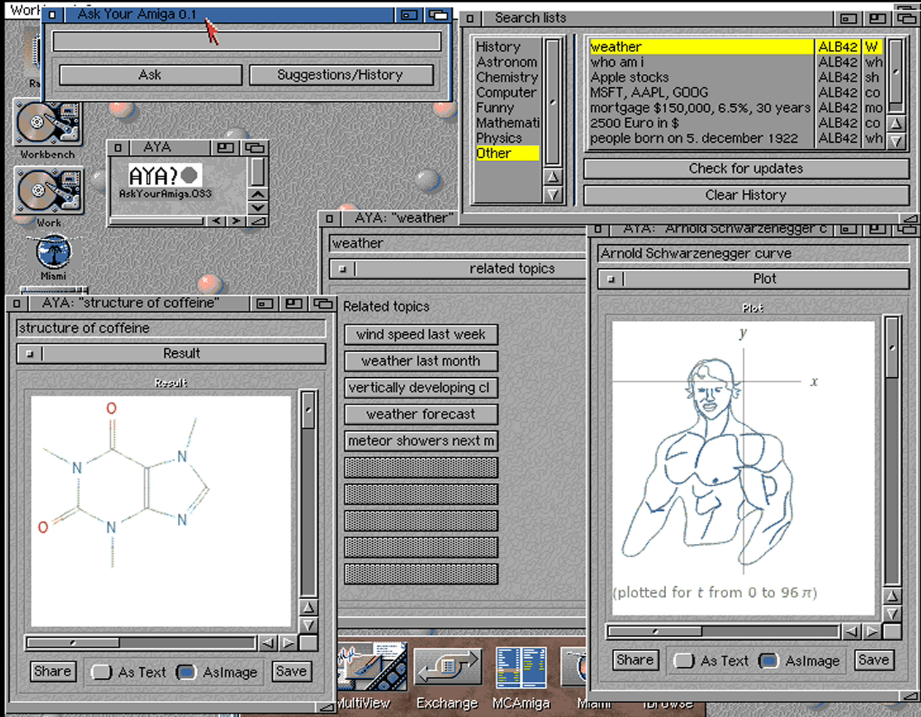
You know whats most funny when browsing Wolfram Alpha or such databases, just following the links inside it, sadly the API does not give infomations for links in the text. BUT it supplies related searches, I implemented an additional page to AYA that you can find close searches, sometimes there are even some weird stuff… maybe they are searches other user used? I don’t know.
Besides that I implemented a history of your searches and also added some suggestions sorted in categories, some starting points what to search. Also if you find something funny (like the people curves e.g. „Arnold Schwarzenegger curve“ and so on) why not share them with other. In the result window is now a „Share“ button where you can add a short description and your name (if you like) and I will add them to the suggestion database. (which you can update via the suggestion window)
Also the software itself can be updated from the suggestion window.
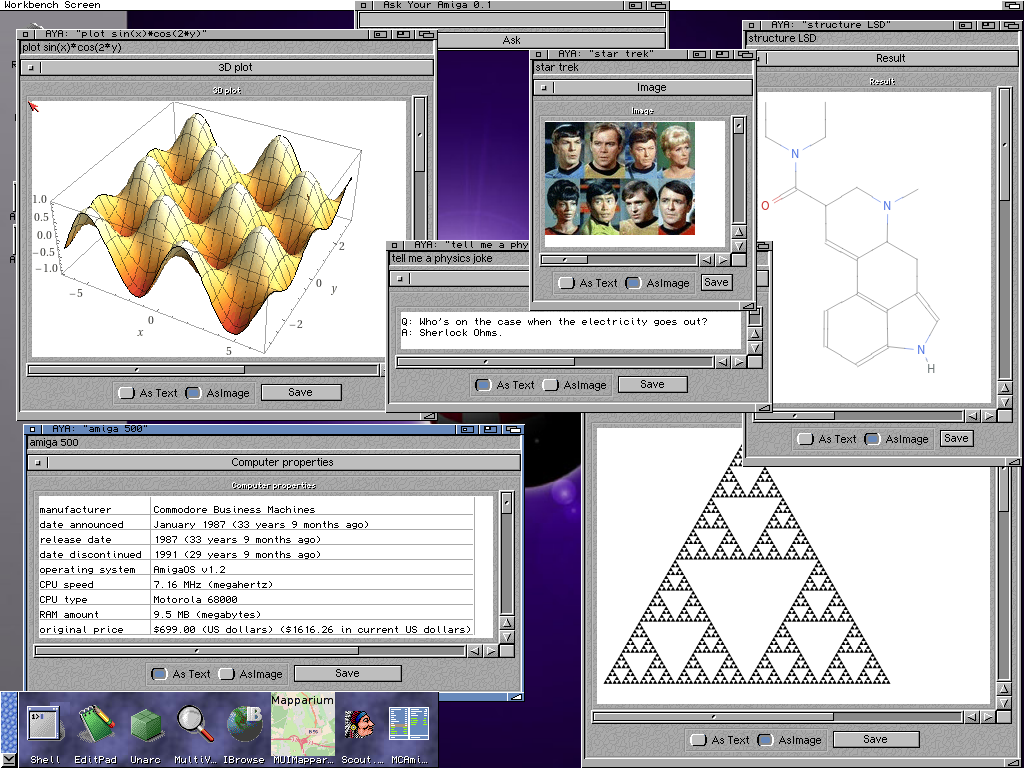
Finally I found some motivation to put a release together of „Ask Your Amiga“ the new tool for your beloved Amiga. It’s working nicely, now also can save the image or text, but nothing more… just very basic functionality but even so I like it working rather smooth even on my slower Amiga 68030.
As always it is available for all Amiga systems with an Internet connection and a GIF Datatype installed.
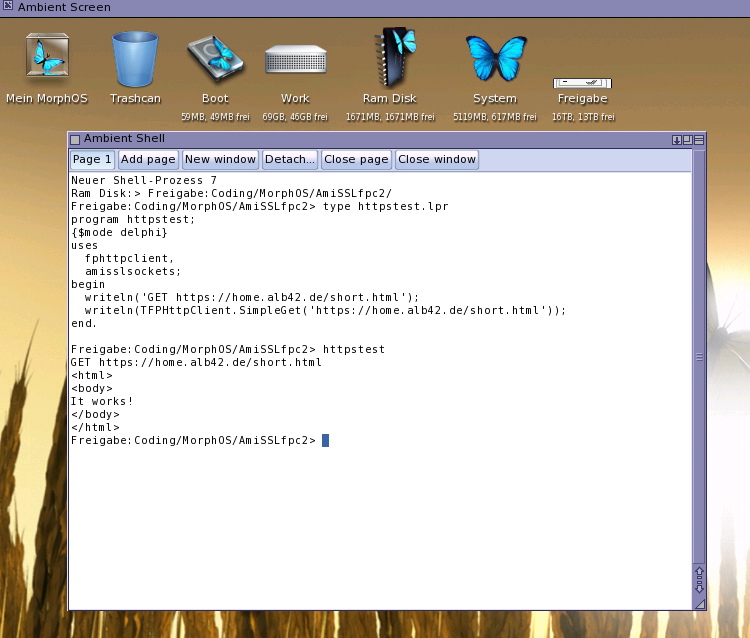
Mow the FreePascal SSL implementation works also on MorphOS. A little change in FreePascal was needed to make this possible. Big thanks to Charly for the swift fix for it.
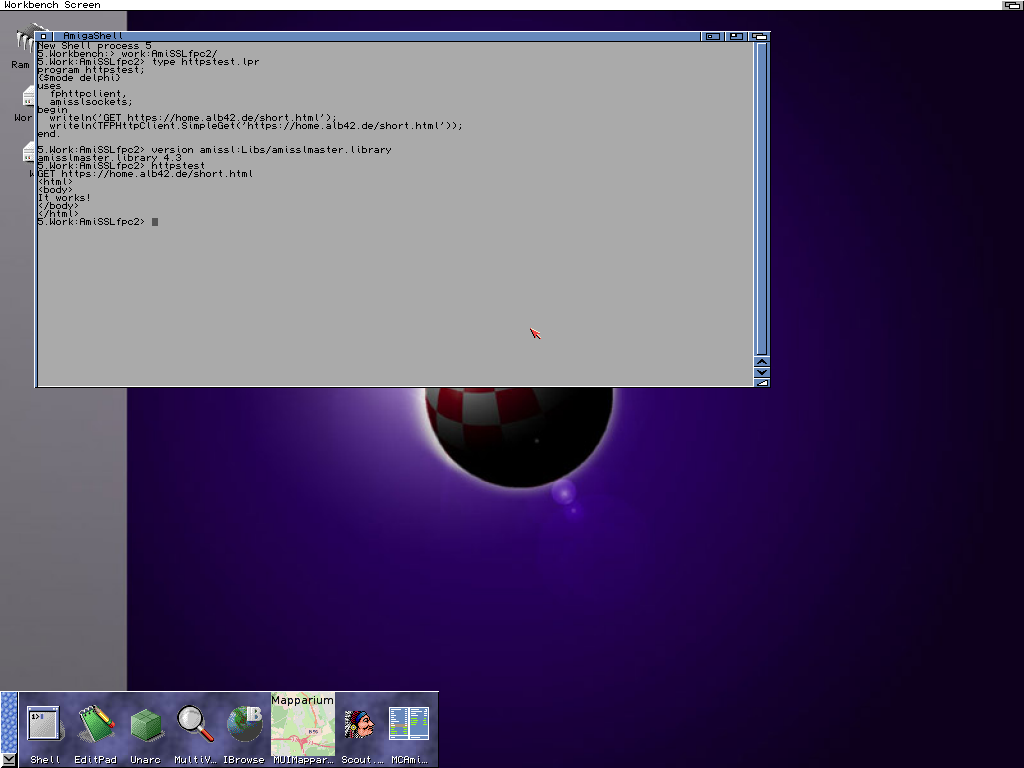
Worked a little bit more on the SSL implementation for Amiga in FPC using the AmiSSL.library. First I tried to just use the OpenSSL implementation in FPC. It was much work but sadly it just crashes on SSL connect and I have no idea why, rechecked everything. But before it was working using the BIO_* functions, so I rewrote the FreePascal implementation for AmiSSL using the BIO_* functions and finally it works. That means one could now get a webpage from a HTTPS page with a single line of code (and two uses), which is really nice.
In principle this should also work on MorphOS, for AmigaOS4 it would need to rewrite the import unit for AmiSSL. Sadly AmiSSL still does not exists for AROS only a c-link lib which does not work at the moment in FreePascal-AROS.
As long there is no FreePascal for Mac 68k I played a bit with Think Pascal to learn how it work, at least I got a Hello World without a Tutorial or so.
But I guess to create a GUI application I will need a Tutorial or some more example codes. Still funny to work such old computers, sadly back in the days the Mac was way to expensive to buy.