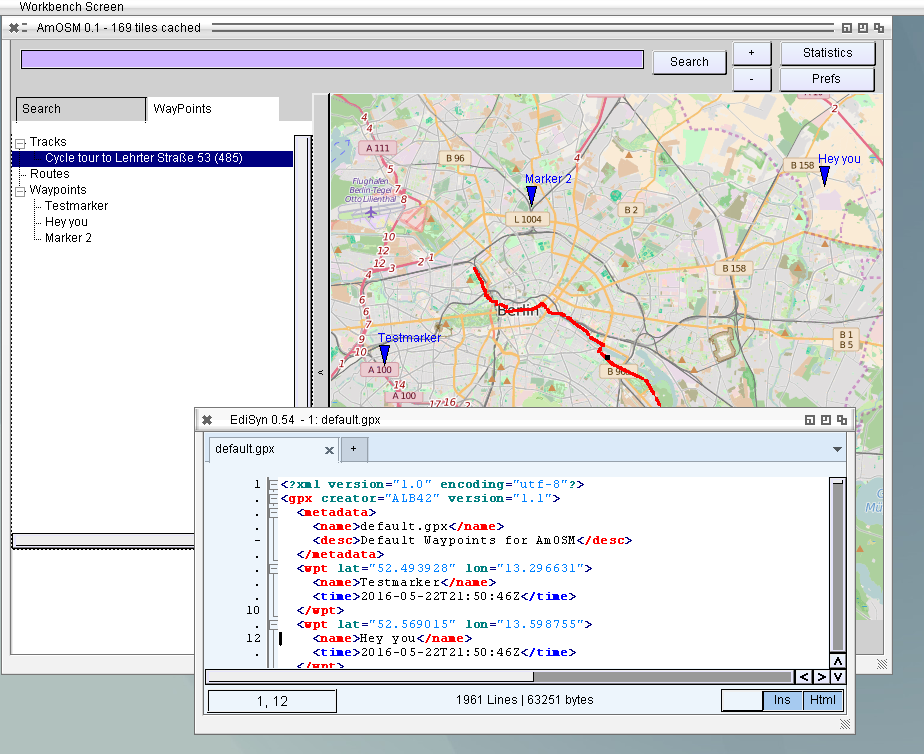
Implemented GPX reading and writing, really very easy. Tested with some of my cycle routes (I cuted the start away for the screenshot). It also saves the waypoints and tracks into a default.gpx to load at next start, its the easiest way to start. At the moment I draw a little rectangle at every track point and connect them with a line. Sadly it seems to be not possible to draw a thick line with the standard methods, the PenWidth and PenHeight in RastPort are ignored. so I guess this point approach works best for recorded tracks. For planed routes with little points its hard to see. Maybe I write an own line drawing routine, with Bresenham it should be possible to make.
OpenStreetMap with Waypoints and Tracks
Besides I increased the speed dramatically on drawing, on Amiga 68k its much faster now, even usable and resizing on MorphOS with less problems and much faster, it does not recalculate the complete image on every resize step, but only draws the image.
More work on the OpenStreetMap viewer for Amiga systems. If a Tile is needed it will be set to a Queue and an extra thread checks the Queue tries to load the file from the hard disk, if it does not exist there it loads it from internet. The image shows a special replacement image as long the image is loaded. Of course if you browse around soon the number of tiles become huge. At a time you need to clean the tiles from memory. I introduced a maximum tile number to hold in memory (currently 1000). At every tile the time of last use is noted. The list is sorted and the oldest are removed (oldest means longest time not used).
It works already very nice, I added a little statistic window to see, when tiles are loaded from HD or from Net. Later I will introduce a prefs window to configure the number of tiles to keep in memory especially for Amiga 68k would be important to reduce the value. 1000 tiles needs around 150 MiB. Also the cache on hard disk could be inspected and deleted then. I checked my cache folder, which stores the tile files since I started this work, there are 8400 files inside with a complete size of 150 MB, so its not so urgent to clean it. OpenStreetMap suggests to keep the cache images for at least 7 days or check the status online. I do not plan to edit, so for me it’s not so important to have the very last map updates.
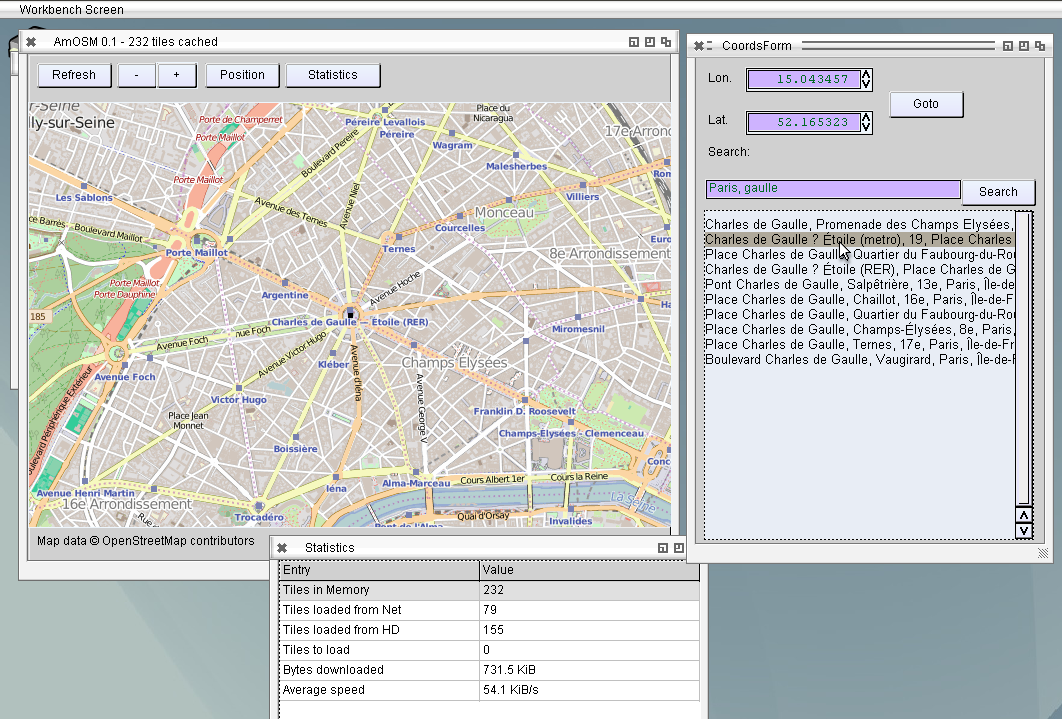
The next step to become more useful I added a search function, already work very nicely, only had some problems with german umlauts (äüö) and other standard characters (é,è,Î and so on). The Input from the Edit needs to be converted to UTF8 using AnsiToUTF8(). Maybe I should do that already indide the LCL code (like I make UTF8ToAnsi when drawing text to screen, thats the reason the copyright sign work).
AmOSM with Search function
The further work will include waypoints and tracks/routes with import and export of GPX data, usual format of GPS devices (mine also) and maybe KMZ the Google Earth format. In principle it would be nice to also read GPS data from a real GPS device, which is connected via serial cable with computer. I’m wondering how to use serial connection in AROS, if even possible, maybe even with an USB to serial adapter, most computers does not have serial connectors anymore.
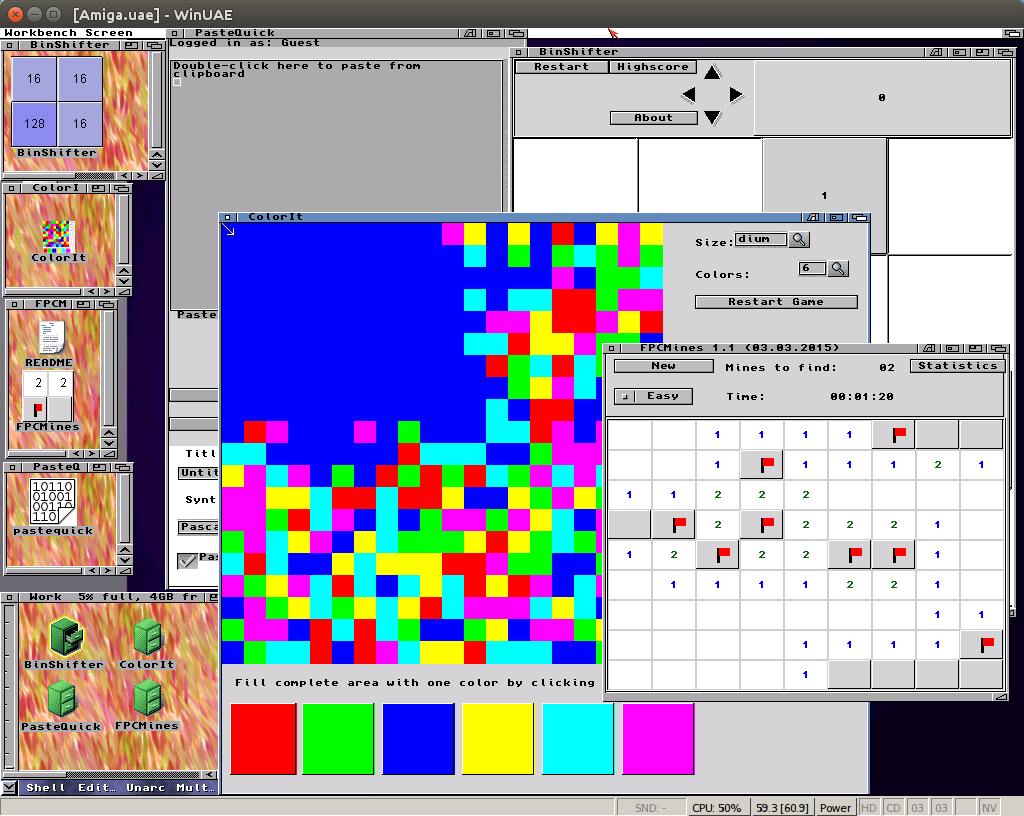
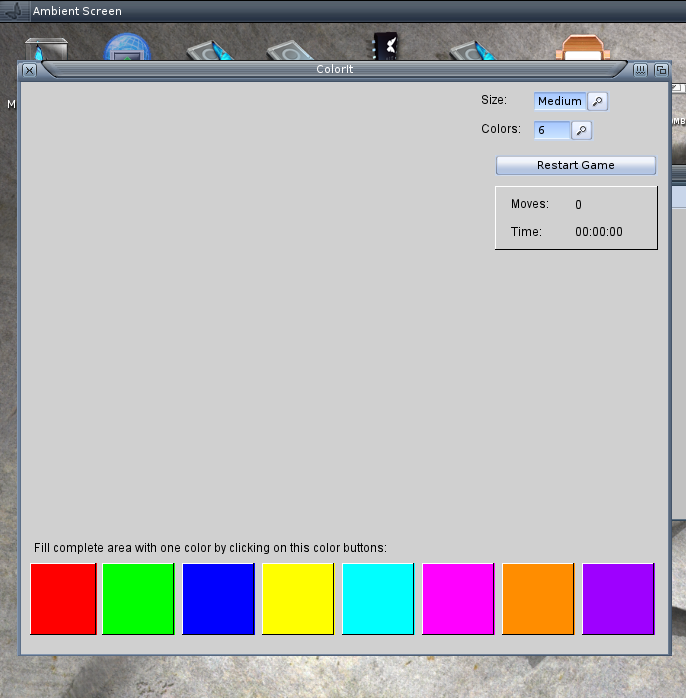
The AmigaOS4 LCL worked somehow but it did not draw anything on the LCL drawing procedure. Added some debug output and it seems everything works as expected. Finally I got it to work. So now the ColorIt game also work, maybe someone want to try.
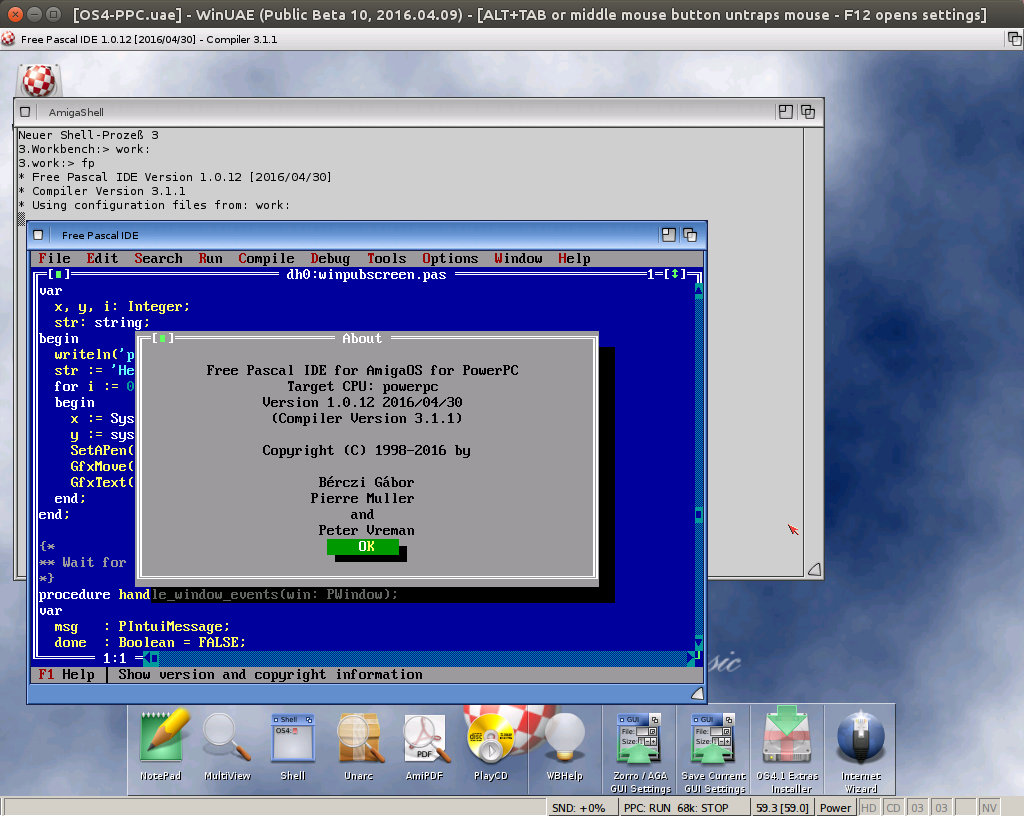
Reached the state of AmigaOS4 compiling and running the FP-IDE 😉 This was the aim of this implementation run, so its proven the library units are there and working the rest will be just work. For LCL at least MUI have to be implemented, but when I see how slow the FP-IDE is already in WinUAE I really do not want to try LCL.
I will clean up everything and commit to freepascal repository and make a release archive.
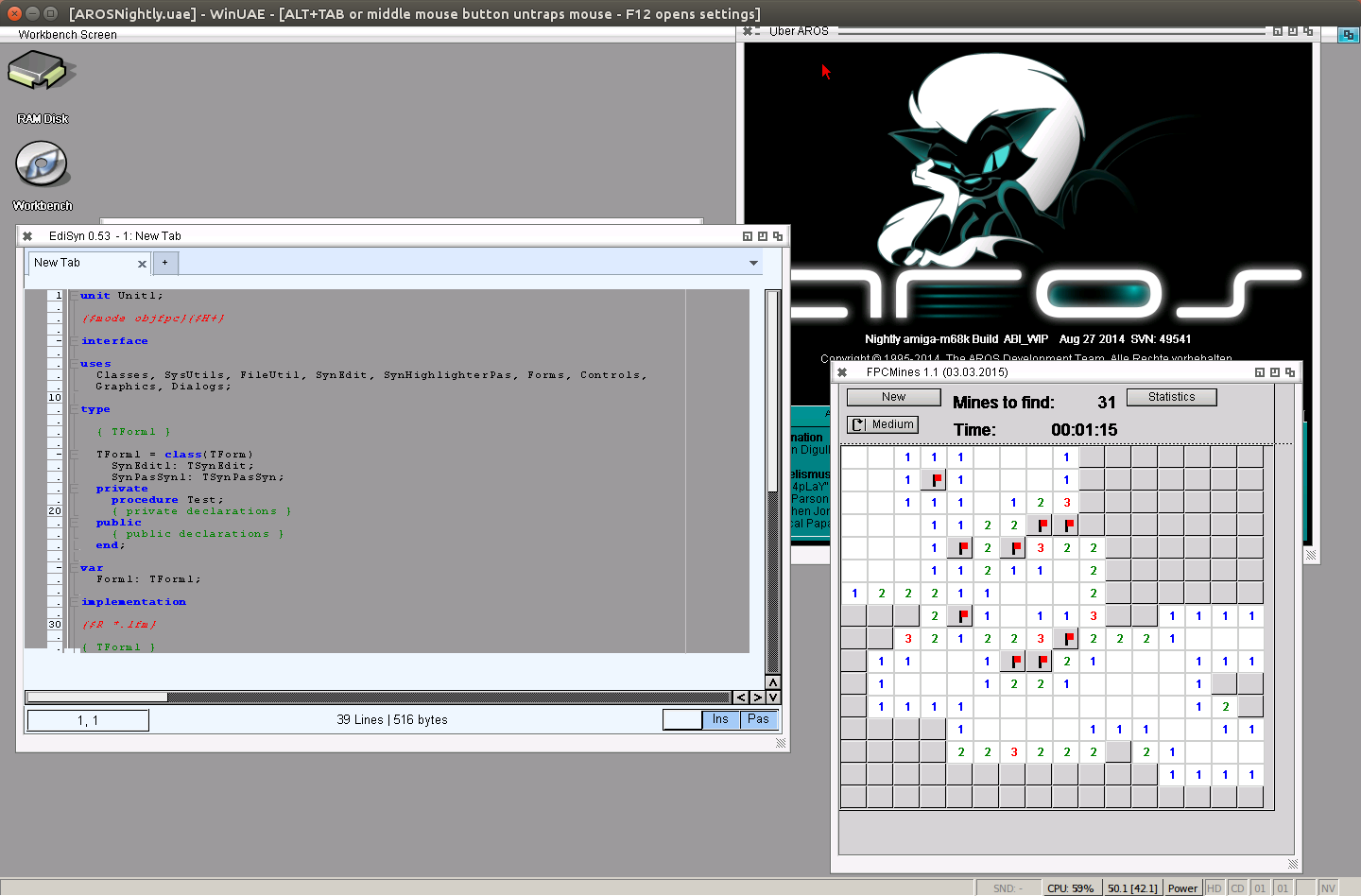
hmm I did so many changes to m68k amiga but I didn’t try m68k aros again. When I tried it last time it behaved rather strange (see LCL on AROS). But now it seems to work. Maybe its because of my changes with layout or charlies m68k compiler changes. who cares, it work. Even EdiSyn looks ok to me.
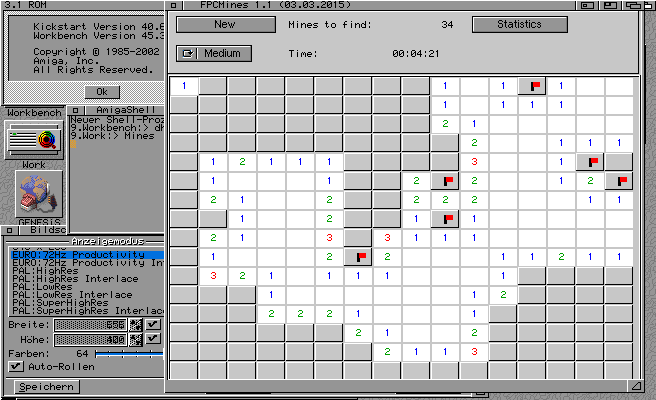
Additional try on my real Amiga1200 which does not have a gfx-card. So only AGA with 64 colors on the workbench. Also the calls to set a color on a rastport using 24bit values is not available so one have to use pens. I did already some changes in the code to use Pens on a real Amiga, and disabled the cybergraphics calls if no cybergraphics.library is available. EdiSyn sadly crash, maybe I missed one cgfx call, but the FPCMines seems to work, ok needs longt time to start and slow drawing but it works. It’s even playable in a reasonable Speed.
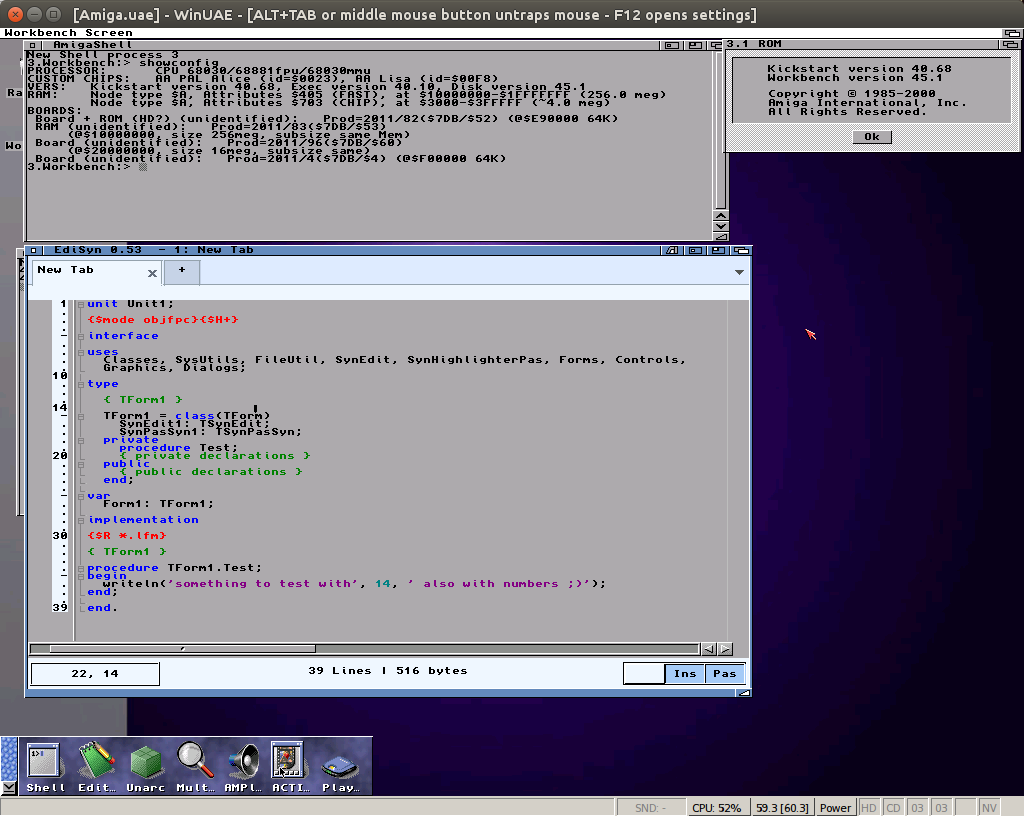
Charlie repaired the m68k fpc compiler, my hope was that also the drawing problems at 68k will disappear, and I was right, seems it was the same problem, now the drawing works much better on a classic Amiga. Even EdiSyn work now somehow.
When starting EdiSyn on MorphOS many debug outputs appear in the LogTool which tell something about an odd BltTemplate call. Luckily Jaca from IRC and ond morph.Zone was able to help me and identify this problem as a text output to a bitmap over the edges without a clipping layer. And thats right, I use a buffer bitmap and rastport which does not have a layer. He kindly explained me how to install a trivial layer to it and it work. Much faster now (4 messages per second or so, on every redraw). So I made a little Video about the basic EdiSyn function.
It looks very slow, and sometimes the mouse seems not to react properly but this is only because its recorded via VNC, I didn’t find a screen recording tool for MorphOS.
Besides this I solved the sizing problem for MorphOS. The Window object in MUI returns the outersize of the window, Zune the inner size. The ClientRectangle is taken from this Value in LCL, the problem is that when the ClientRectangle is requested the Window is not open and later it’s cached somewhere so never asked again.
So on GetClientRectangle I check if the window is open and reduce the MUI returned size by the Border of the Window structure. Additionally when the window is open (set visible to True) I invalidate the client rectangle cache, there is a special call for it.
This results in a reasonable size calculation, at least the result looks comparable to AROS/Zune: