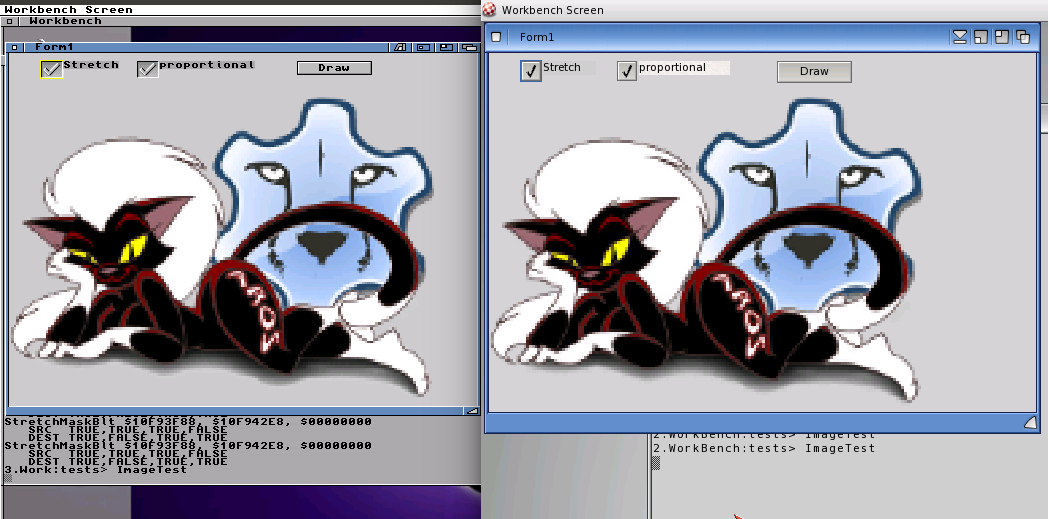
As promised, I cared about drawing with alpha channel on m68k Amiga. Little bit background. When I make a StretchDraw() the raw data is scaled directly in pascal (to keep the alpha channel) via a nearest neighbor routine. And exactly there I need to touch every pixel to scale it, of course a good position to also care about the alpha channel. For speed optimization the special cases 0 and 255 alpha channel are handled separately. And its not so slow as I thought, so I let it inside.
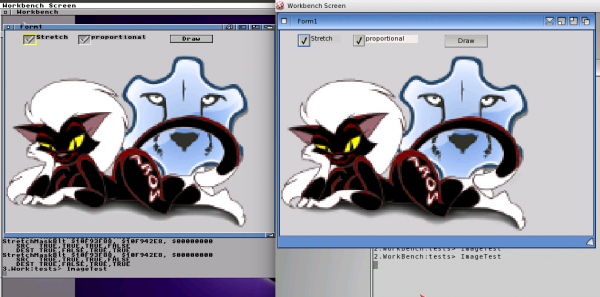
Amiga m68k with alpha channel drawing (left) and as comparison on AmigaOS4 (right)
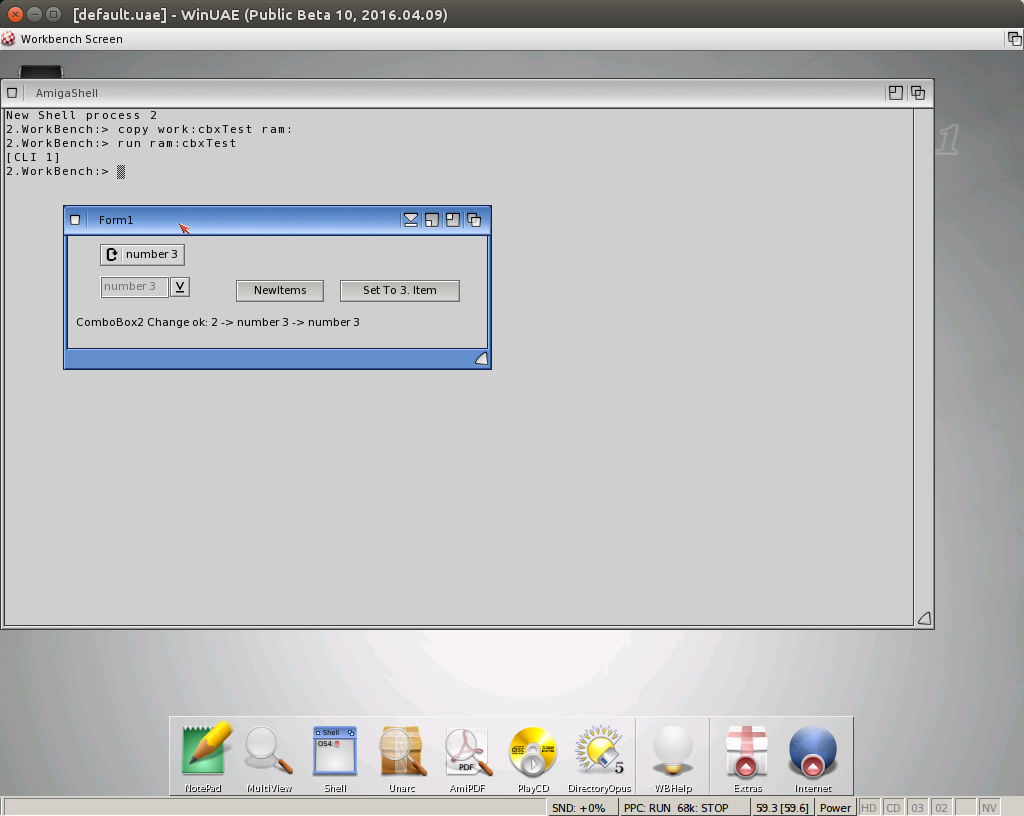
Besides this I worked more on size calculations especially on MorphOS, still not completely sure how it should be. An additional problem appeared in the OS4 LCL. The size calculation as done before crashes, because it reads the Width/Height from the the MUI object which seems to be forbidden inside the Layout. If think about it’s not very surprising because the layout is called before the window is opened and to get the right size the Layout must be done. So I had to rewrite the section with AROS in mind of course. Seems it works now (again? I hope). With this changes the EdiSyn now also work on OS4.
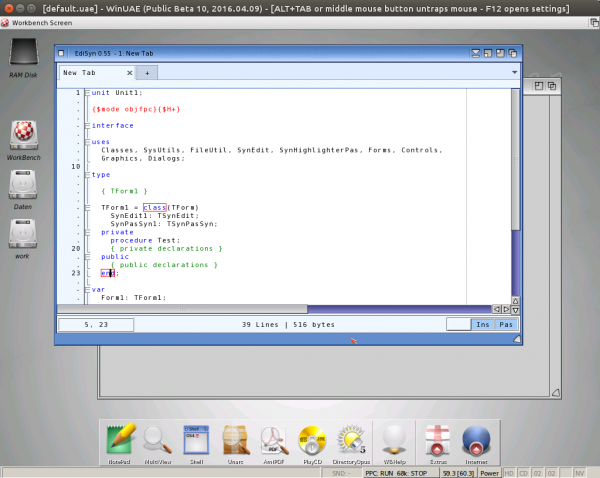
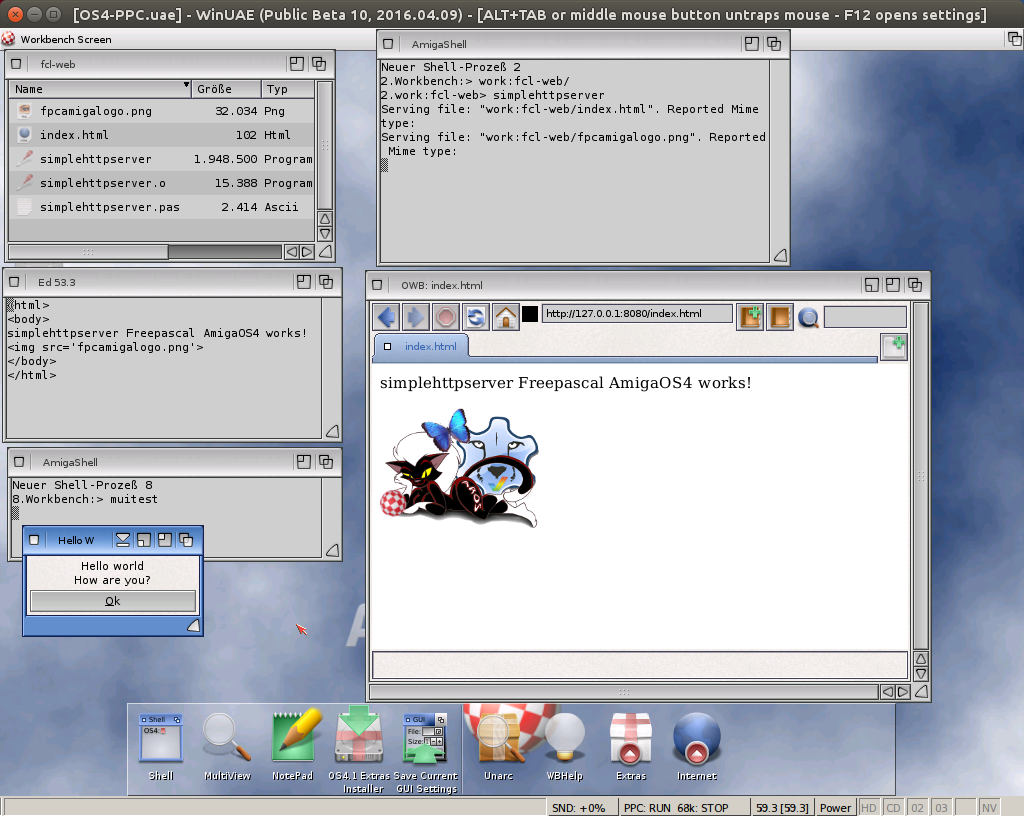
EdiSyn on AmigaOS4
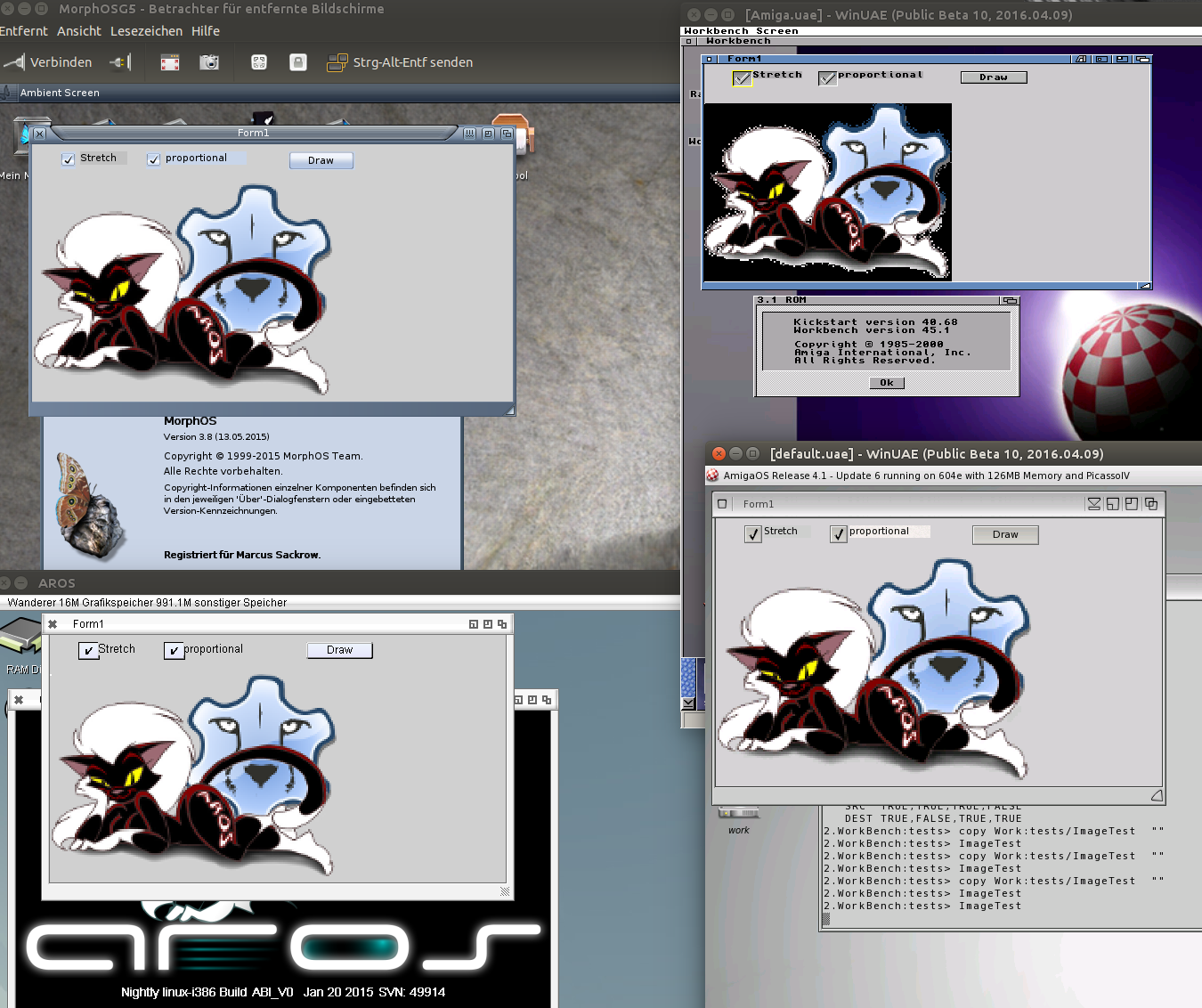
Working on the image drawing in LCL, not only for OS4 but for all, the problem is that it needs (semi-)transparent drawing. I started with Picasso96 for OS4 but it seems it still has no Alpha channel support. But luckily it also supports the cybergraphics compatible layer with the alpha channel support. So I changed everything in LCL back to cybergraphics, which is even much better, because now it’s the same for all platforms.
On this occasion the problem on MorphOS came to light. I always had the problem that at MorphOS the images are not shown. I thought it is a problem with resources but now it became clear, it’s the drawing the globalalpha value was too small.
Sadly the cybergraphics on classic AmigaOS does not support this Alphachannel, thats the reason the image has the black border in the screenshot. Maybe one could try to make a simple Alpha (0/1) by hand, which will be very slow I guess.
Besides I found a big Event problem. Got this as bug report already, it was just a not initialized variable. A little bit more testing and I will make a release and also create a Virtual Lazarus again with all 4 platforms :-).
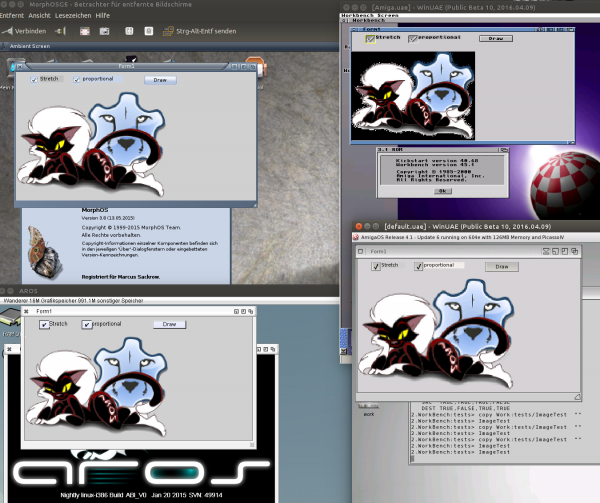
Image LCL drawing on MorphOS (upper left), AmigaOS3.9 (upper right), AROS (lower left), AmigaOS4 (lower right)
The AmigaOS4 LCL worked somehow but it did not draw anything on the LCL drawing procedure. Added some debug output and it seems everything works as expected. Finally I got it to work. So now the ColorIt game also work, maybe someone want to try.
ColorIt for AmigaOS4 (2 Mb)
FPCMines for AmigaOS4 (2 Mb)
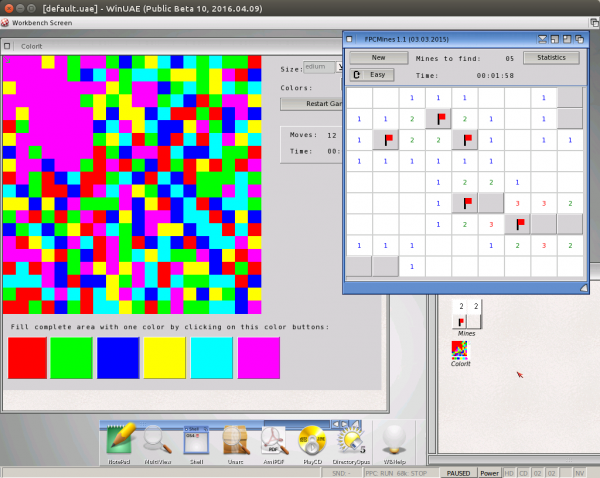
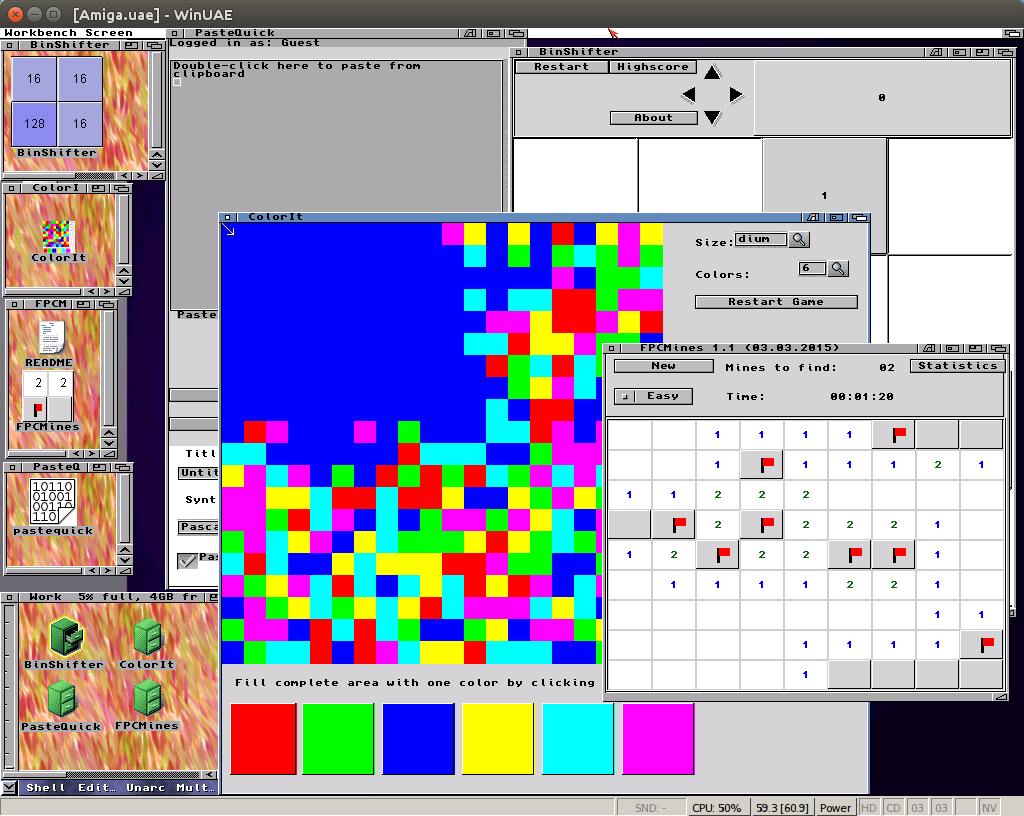
ColorIt and FPCMines for AmigaOS4
I hacked some more library units for AmigaOS needed for the LCL. and finally at least it compiled, I had to deactivate als CyberGraphics things, at least I did not find the corresponding things in the official SDK, so many graphic things are missing.
The biggest problems in the LCL came from my special code for Amiga m68k and (again) different behavior of MUI on AmigaOS4 which resulted in crashes on totally valid Values.
Nevertheless the first LCL program works on a AmigaOS 4 computer.
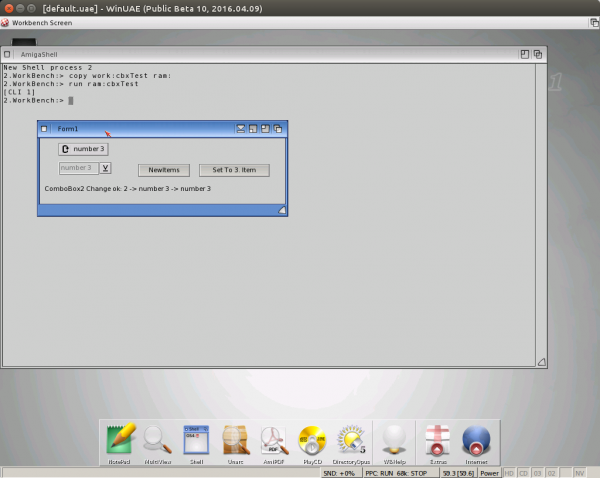
Added some more units to OS4 freepascal: MUI and networking and created a release archive which will be created as nightly (like the other platforms). You can find them on my nightly folder.
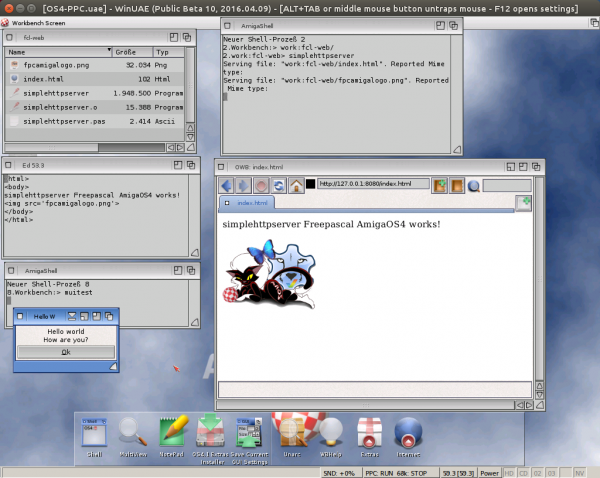
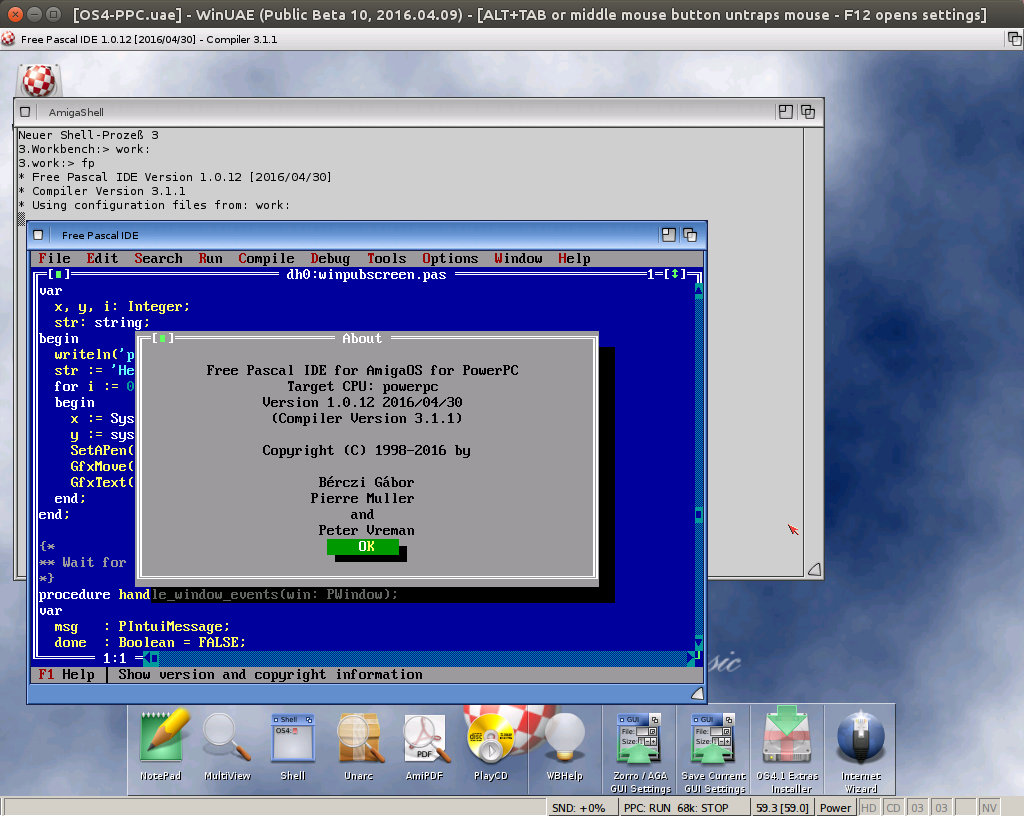
Reached the state of AmigaOS4 compiling and running the FP-IDE 😉 This was the aim of this implementation run, so its proven the library units are there and working the rest will be just work. For LCL at least MUI have to be implemented, but when I see how slow the FP-IDE is already in WinUAE I really do not want to try LCL.
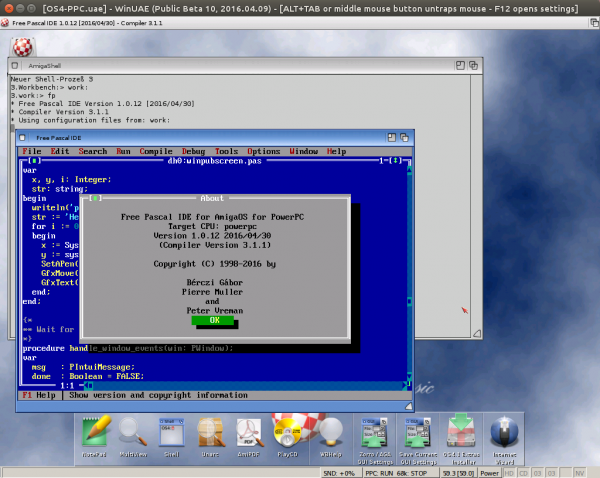
I will clean up everything and commit to freepascal repository and make a release archive.
Working on the library units for Amiga OS 4 (PowerPC) which was resurrected by Charlie last week. It goes slowly forward. I could make it faster and just copy the Amiga files adjust the offsets and interfaces. But if I do I make it right.. so I check every structures and defines. AmigaDos, Intuition and AGraphics are really huge units. But its already working a little bit 😉 at least can open a window and draw some stuff.
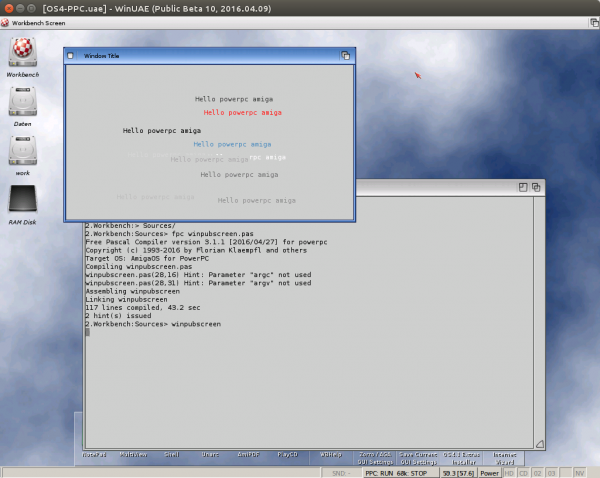
Some questions to this virtual machine arrived so I started to write a FAQ for the Virtual Lazarus bundle I created. Also made a separate page for this product. There is not much of a response until now… lets hope for later.
Questions and Answers
Q: How to change the default keymap?
A: Open xterm and type „setxkbmap us“, replace the us (= american layout) by your favourite keyboard layout (de, us, fr, ….). To make it permanent for every boot, edit /home/test/.profile and add the setxkbmap call to end of the file.
Q: How did you transfer the compiled programs to the target computer?
A: I used the VMware shared folder on the host computer and used samba to access from MorphOS the program. Amiga/UAE and AROS can directly access the files on the harddisk but with dedicated computers of course samba would also work.
Q: The AROS compilation seems to be different from the previous AROS release?
A: Yes, the LCL diverted fro AROS on the one side and Amiga/MorphOS on the other side. this is the first try to join them, but its not on par currently. (For example Groupboxes does not work in this version also speedbuttons look weird and so on) So if you experience problems just compile your program at AROS again, or wait for bugfixes 😉
Q: How to compile for Amiga/AROS/MorphOS?
A: You can set by hand in Project Options. But I suggest you use my prepared config file as shown in the video. Open „Menu – Project -Project Options“ press import (button on the lower edge) choose the „/home/test/AllAmigaPlatforms.xml“. Now you have build settings for all four platforms.
Q: Synedit (or other package) is missing in the component icon list?
A: Make sure this package is already supported for Amiga style systems (SynEdit is 😉 ) and go to Package – Install/Uninstall Packages and choose to install. Lazarus have to compile again after installing/uninstalling an package.
Q: Are there examples/How to know which components are availabel for our systems?
A: Examples are available at GitHub. If you want to download directly to this virtual machine just open a xterm and type „git clone https://github.com/alb42/fpc-tests.git“. you will find a directory named fpc-tests in your home directory with a sub directory LCL, where you can find many test code examples to use, and test which elements are working, or not.
Q: I added a TMemo to my program now it does crash on MorphOS an/or Amiga. Whats wrong?
A: TMemo uses the Texteditor.mcc class as MUI implementation. Sorry I didn’t added a error handling for such case currently, because at AROS it’s installed by default.
I created a virtual machine with my compiled Lazarus source and cross compilers for Amiga, AROS and MorphOS. The virtual machine is for VMWare Player. Lazarus and a short description is placed on the Desktop. Should be really easy to use. I used the shared folder feature of VMWare to place the data where the other OS can reach them.
At the start I wanted to use DSL (Damn Small Linux) but sadly I didn’t get it to run (mouse does not move), so I changed to an other one. But the DSL stayed as name. Therefore the package is rather big (1.6 GB packed, 9 GB unpacked).
I hope someone is brave enough to try it and give some feedback.
Virtual machine with Lazarus Amiga, AROS, MorphOS:
VM Lazarus (1544 MB)
MD5: cf3e14797f9ba9882ee66247ee1fbc9f
Check also the FAQ.
I also create a little Introduction Video for this virtual machine use to show how easy it is.
Compiled the Games and Tools I compiled for MorphOS and AROS already. so now the set is complete 😉
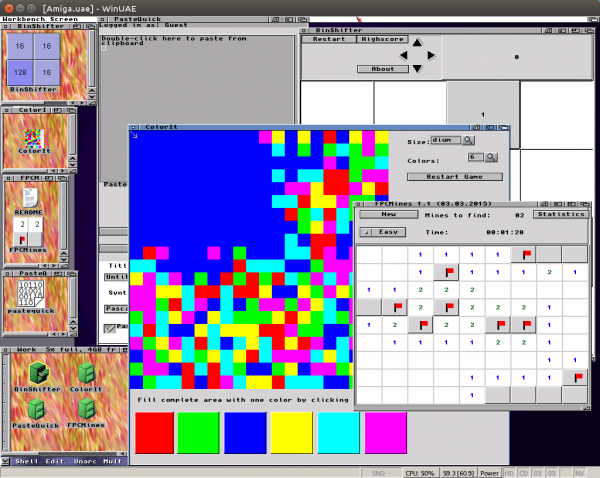
BinShifter, ColorIt, FPCMines and PasteQuick for Amiga
Download on the FPC Amiga Page