Just a Picture
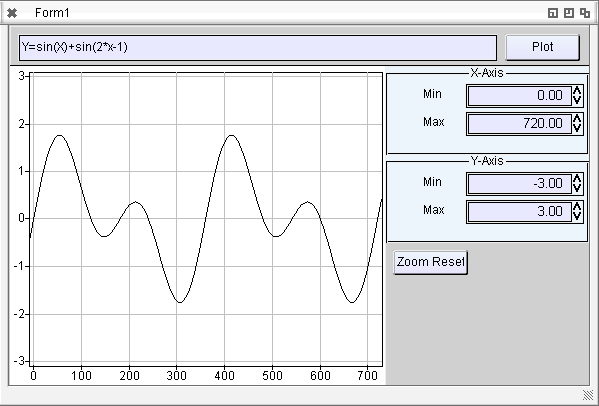
I played a little bit with the TAChart, omg so many different units needed, so many components/pathes to set. Some inital drawing problems, some more error checking need. Now works nicely, of course some events and so on does not work.
This new TAChart is very different as the one I used long time before in my programs in university. So I’m not sure how to use this but in principle it works 😉
Made a little test program afunction plotter:
Download: TAChartTest
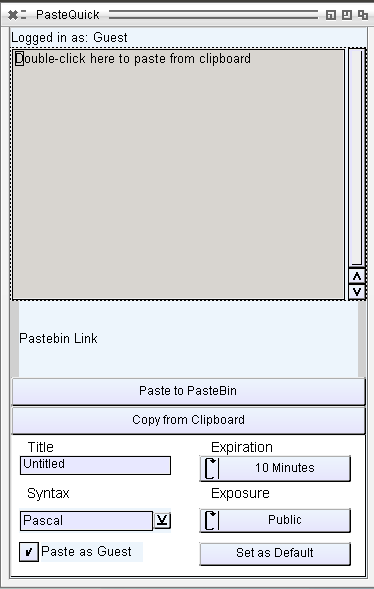
Port for AROS i386.
Copy text from Clipboard to pastebin.com and send the pastebin link to the Clipboard.
just a very basic port, login still not supported. but for my needs already enough.
Download: PasteQuick 0.41
To debug the lcl more I tested some 3rd party lazarus applications, some of them are really bad made. So my LCL get some problems with Autosize, especially when the window is Autosized and sizeable at the same time (which sounds a little bit strange for me also)
Problems:
Statusbar still crashes, so I had to remove it, still no idea whats wrong there. Funny, after removal of Statusbar it still compiles, so it was not in use?.
Autosize setting of the main window, as described already. First it get some exceptions because the defaultsize was not set, thats right I didn’t set this things. It seems some alignment problems alao related to this. So now I made a very simple implementations set the Prefered Size to 20×20. Later should add some for every widget.
Besides this problems the program work, but inside many ifdef unix, ifdef windows so much work need to implement startup of programs and so on.
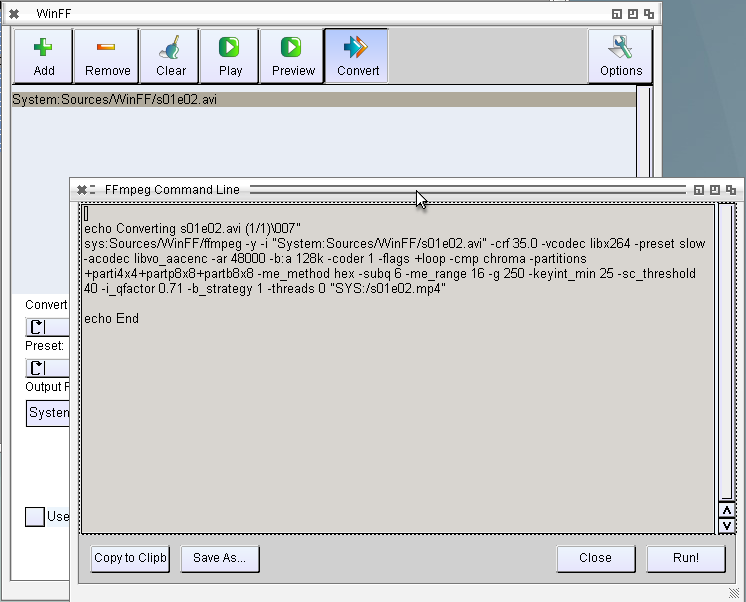
This ffplay is already called as expected. (just the ffplay is strange, crashes often and plays much to fast). The convert is done via a script with is very nice and easy to bring to AROS. But sadly the ffmpeg has some problems: First it’s not made for amiga so a source defined with „System:test/test.avi“ will not work because ffmpeg will report „Error: Unknown protocol System“ so one have to use „file:System:test/test.avi“ or so. But even then its not working, unrecognized options everywhere, maybe its made for an other ffmpeg version, I did not find for which ffmpeg its made.
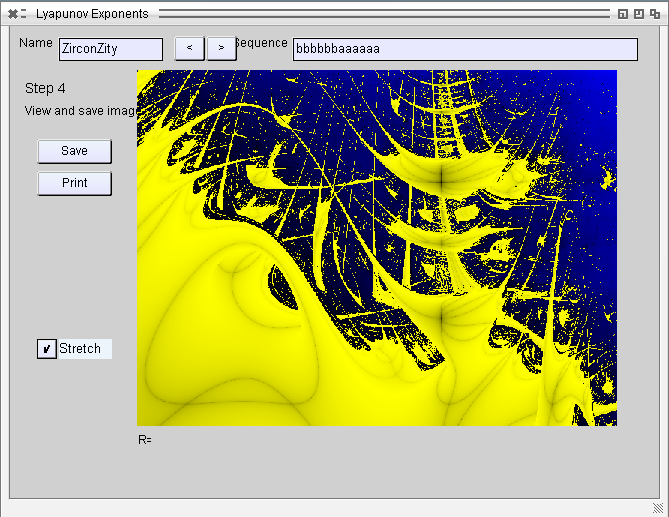
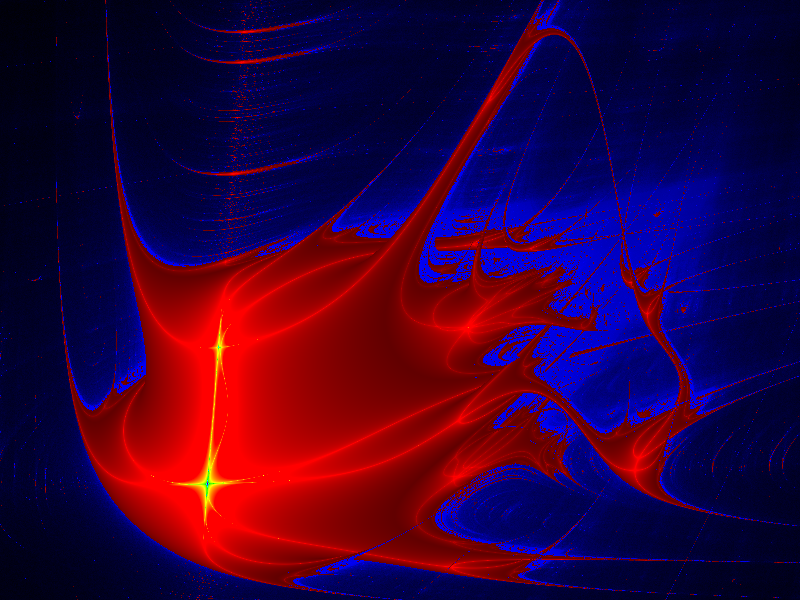
I really liked this fractals on AMIGA, even its was VERY slow to calculate (and its still, even on this fast computers), but they look better, different than the mandelbrot, julia or so. I found a rather complex program to calculate it, for Delphi, but converting to lazarus and some tiny changes and it also works on Lazarus, some more changes also works on Linux. now to AROS.
Problems:
Mainproblem is the Tabcontrol which still does not allow to switch tabs, so I had to add some Buttons for navigation and like always some drawing problems. Especially, Editpanels behave strange sometimes. I have to check later.
Download: Lyapunov for AROS i386
Example saved images:
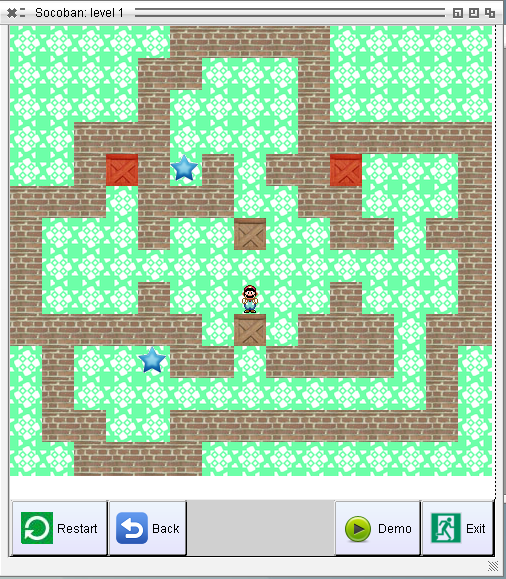
This worked surprisingly well, biggest problem was only that the pathes was added a DirectorySeparator even there was already one, no problem for Linux/Windows, but at AROS it means updir. And again some AutoSize issues really need look whats the problem there.
In contrast to the lazman program this is really well programmed, work well and also fast on AROS without any further optimizations. The colors are so also in the origian not a colorbug (I had to check twice, could not believe someone make such colors by purpose)
Download: LazSokoban
(AROS i386 – inclusive Source)
Finally finished the user commands things, for now, already yesterday made two movies to show how it work, so today the Screenshot shows the Preferences window.
News:
Download at EdiSyn Page
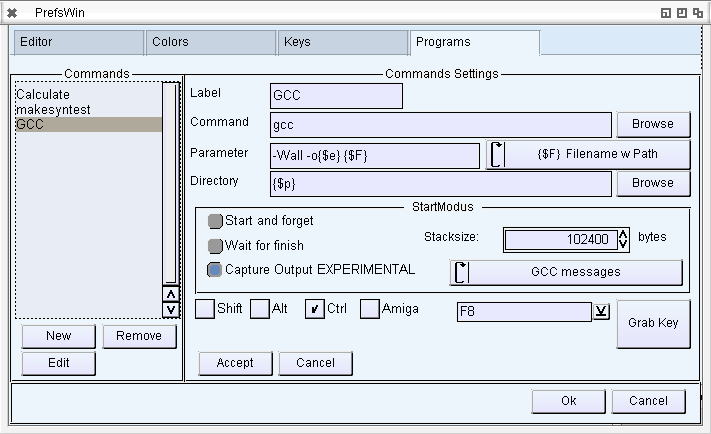
Working on the next EdiSyn Version (0.50). The main new feature will be userdefined programs with capturing and parsing the output that you can jump into the source to the error/warning.
The mainproblems are the capturing of hte output, because there is no way to route the Output of an AROS program directly into memory. The only way is to let the Output write to a temporary file in RAM and read this at the same time. It works very nice, just if something happen the files stays in RAM: and uses up some memory.
The other Problem is again a very bad Amiga-style problem. When started from Workbench/Wanderer its nearly impossible to get the shell path, so the compiler is not able to find the linker and so on.
There are several ways to obtain the path, but seems als does not work on AROS. For example:
The only way I found was to trace through all Processes and search for the main process (e.g. Wanderer, Shell, DirectoryOpus, such things, rather unsafe way to do it… but better than nothing).
The Output from GCC and Freepascal is parsed now so you get colored output and click to jump to the related position.
Most important features should be the configuration possibility for the SynEdit control, inclusive Color selecting for Highlighter, and shortcut preferences.
The highlighter colors are saved in separate files.
Download at EdiSyn Page
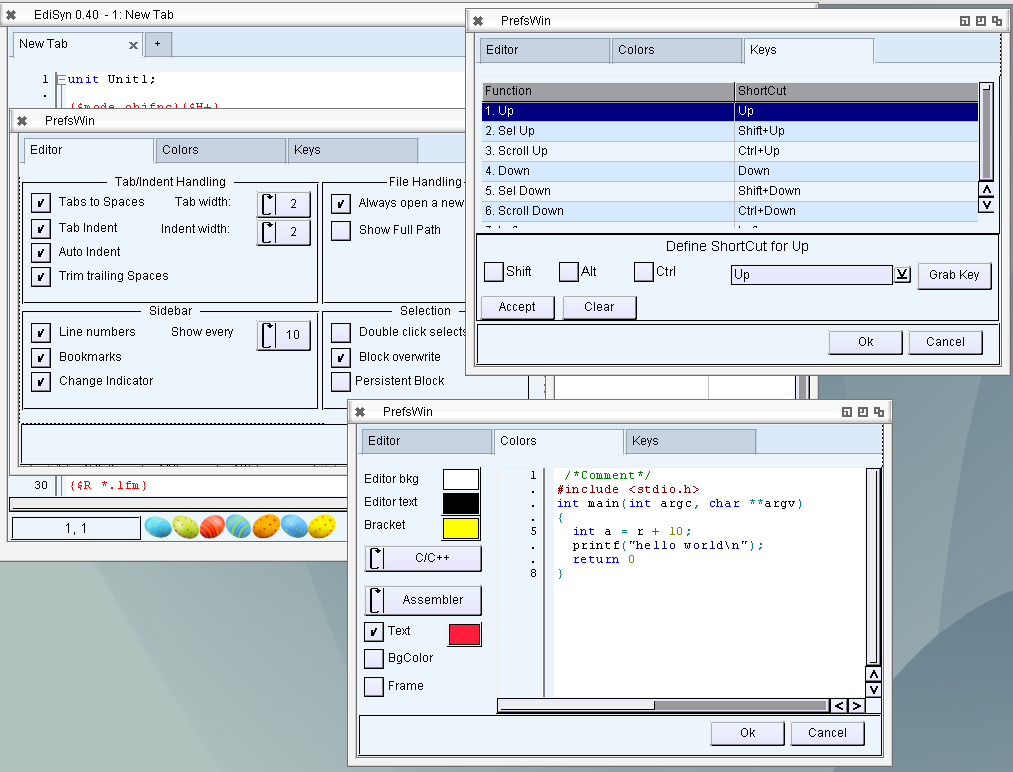
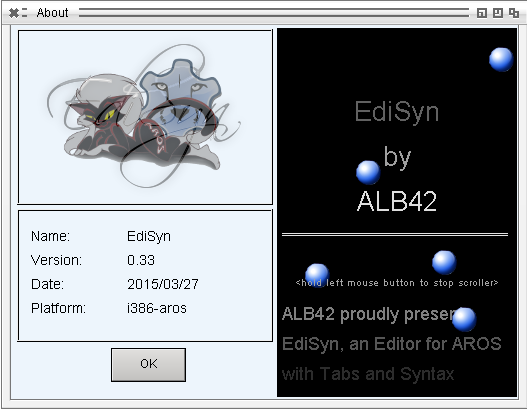
Last days I didn’t have much time to work on EdiSyn, much other things to do. And played little bit too much with the contents of the About box which should be introduced *shame on me*.
I added a smooth text scroller, seems magorium had the same idea and made crossfader. hmm both is nice, so I included both for the new release.
Besides this I got an idea hoe to slove some of the loop Notify problems. I also got a crash report, seems also related to the loop notify thing. Two things to reduce the notify loops: 1. Check if the value is changed, and only send to MUI if it has changed. 2. Block the Event if the Value is set by the interface. This should reduce the loop notifies and maybe the crash as well.
An other thing I noticed, seems I had a BIG memory hole in the code when drawing transparent Images to Canvas. The Canvas did no destroy the rastport/bitmap which was created if this Canvas is a free floating canvas, so not connected to a window/widget.
So here is a new release with some bugfixes and little improvements
News:
Download at the EdiSyn Page
Some tiny improvements for EdiSyn:
Download: EdiSyn 0.31
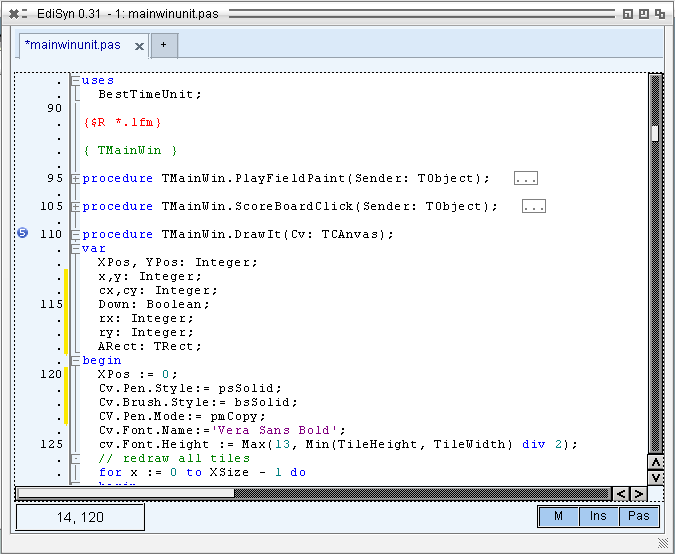
Finally there is something to see in the Synedit control.
Last week I managed to get the lcl so far that it does not crash anymore when there is a synedit inside the window. But there was no drawing at all. Now I traces some deeper into the paint routine of it and manage to let it draw. Many of the WinAPI calls needed were just not implemented in the AROS LCL. A Big step towards a Lazarus at AROS.
It’s not completely working, but you can move the cursor (visible when you hit a begin/end -> Highlight of both) and you can fold/unfold pats of the source by clicking on the boxes on the left side.
The Caret is now shown, I guess due to XOR things missing and typing does not work, which is a little bit strange, the events are there and fired, in the games they are working nicely and the cursor keys work.

SynEdit Control in AROS