Working on the fcl-process package, first started with the easier part, the SimpleIPC class which is rather straight forward possible with MsgPort and of course this is the same for all three platforms (Amiga, AROS, MorphOS). A little bit more difficult is the TProcess thing because its rather tightly bound to pipes which not really working well in AROS, sometimes even not available.
The easiest way to make such a pipe is of course just a file in T: a common way at Amiga style systems.
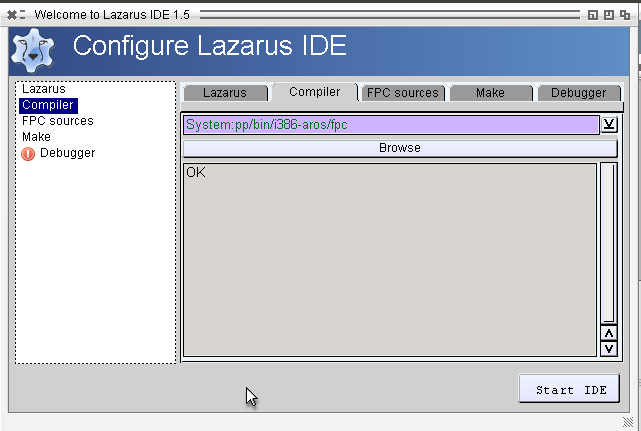
Its a very basic implementation only for the Output but its already enough for let Lazarus find the right compiler, and does not complain anymore that the compiler does not support i386-aros. 🙂
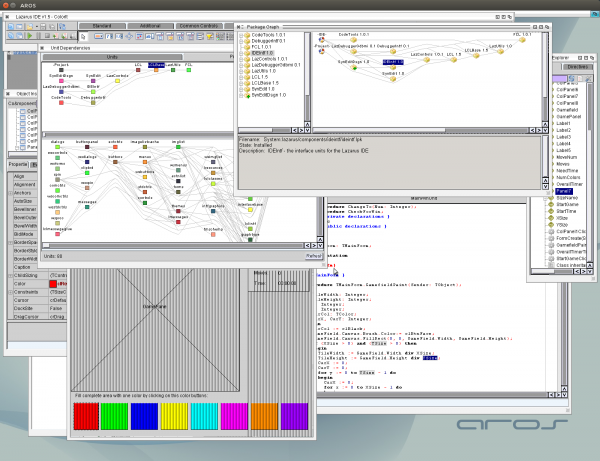
I started a bigger evolution task for the LCL implementation. The cleaning of the codebasis and maybe also a litte preparation for the other platforms. I started with some hint removal and an easier implementation of EventHook connecting. I hope that way I can rid of some very old code from the MUI-LCL implementation start in 2011. I think later I will implement an own Tag Handling system for LCL which then can work for all three Platforms together. So tagarray and longarray units can be removed from the uses sections.
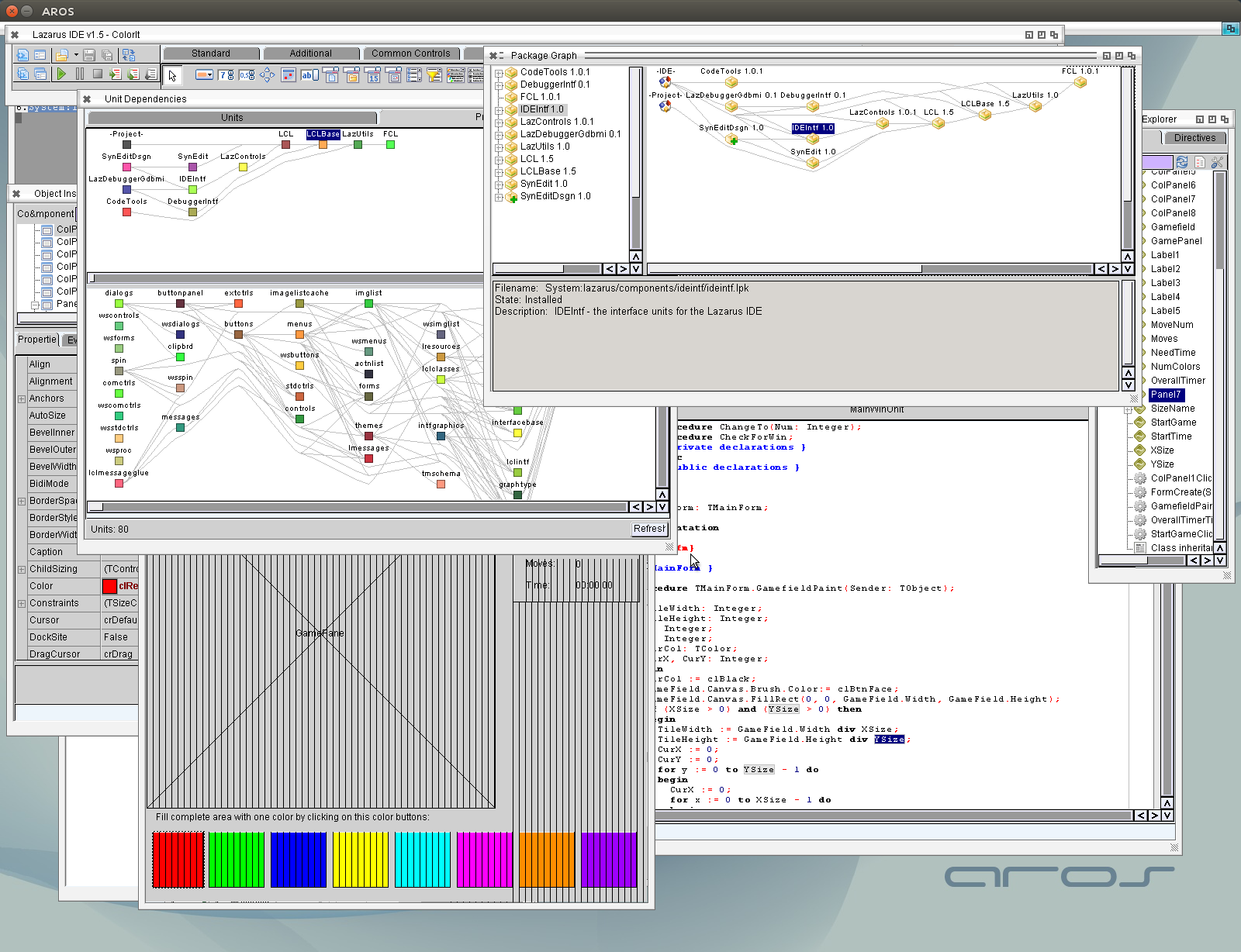
And with it some more debugging of course. In Lazarus the dependency views now working as expected.
I got this strange problem in EdiSyn already, there are always Exception TList index out of bounds but I never had any idea where it came from. in SynEdit it happend on scrolling in Lazarus happend very often when a selection was done. I tried to find out where it fires by addign debug outputs and search for TList access but I even did not find the function where exception was fired. (now I know why :-P)
The root of this problem was that the exception bring back a Stack dump but only the address no function name or so (as the crash trace back does). So I looked to AROS source, how to create such a trace back with function names and found that this is easy available via debug.library (in newer AROS Versions).
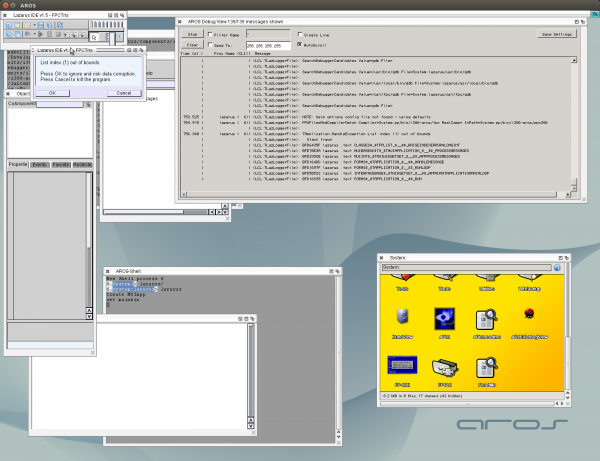
So now I get a nice trace back with all the names for functions on a exception in LCL applications, very nice.
So if I need a stack dump I can call LCLProc.DumStack to get this directly (for example to know from where a Event is called)
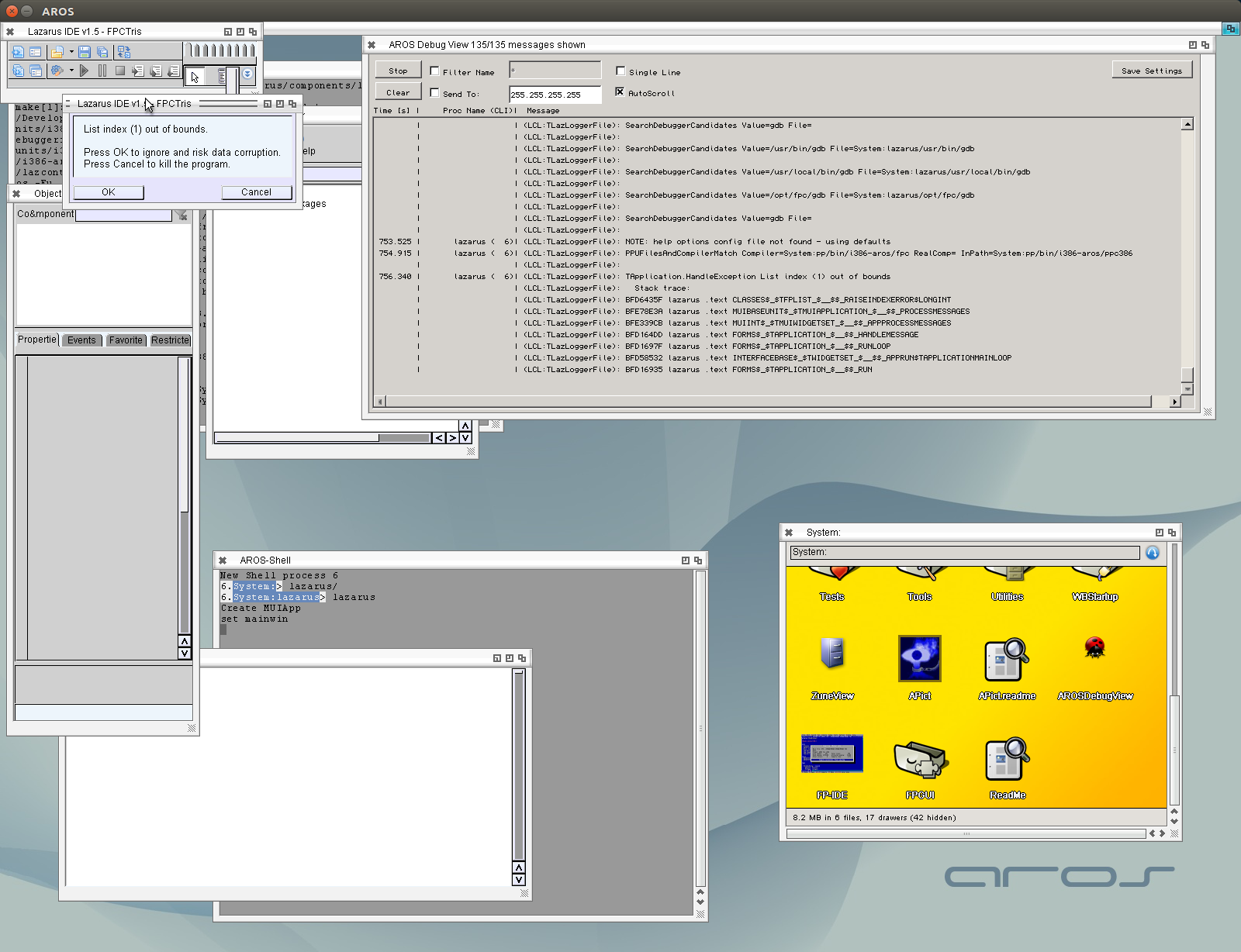
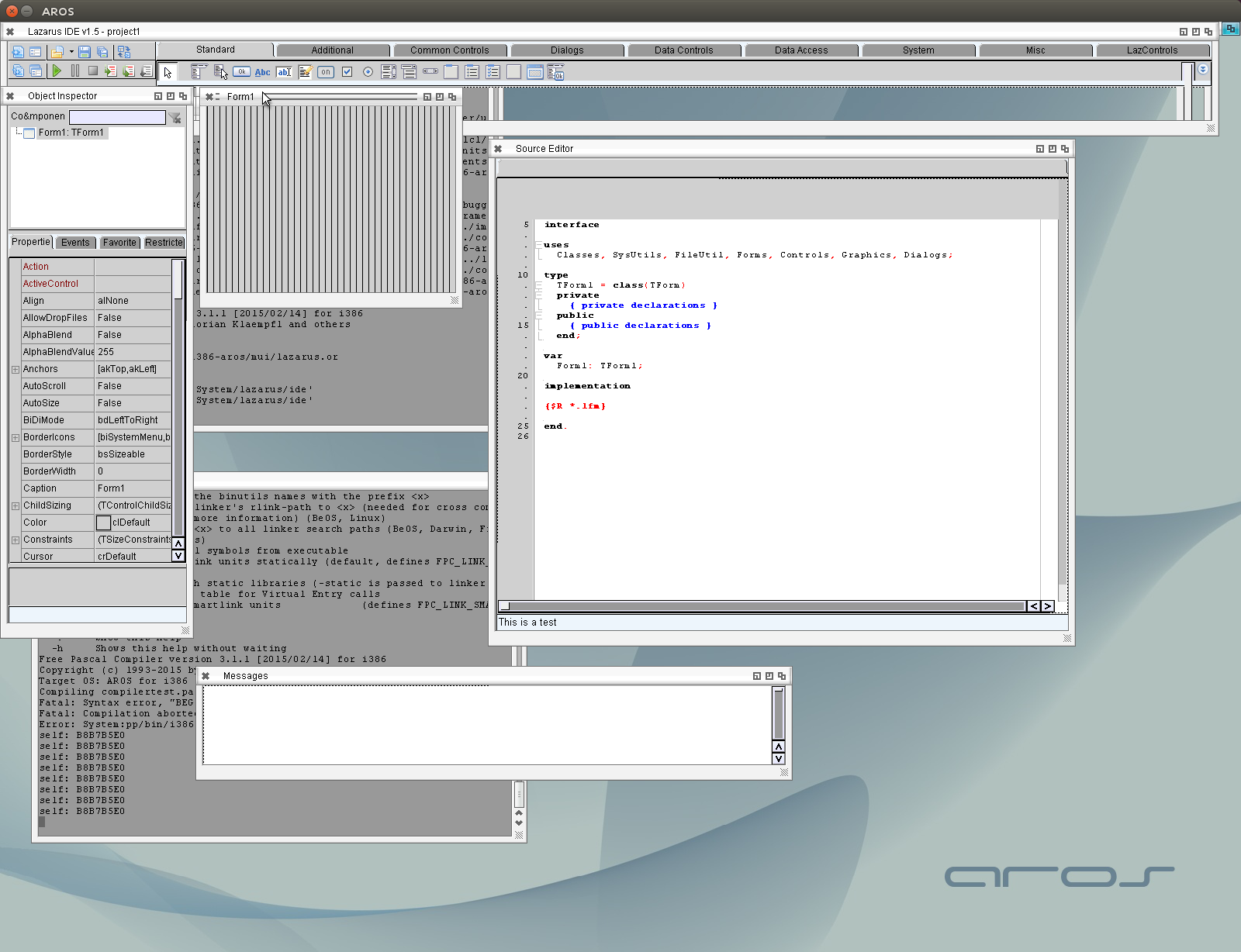
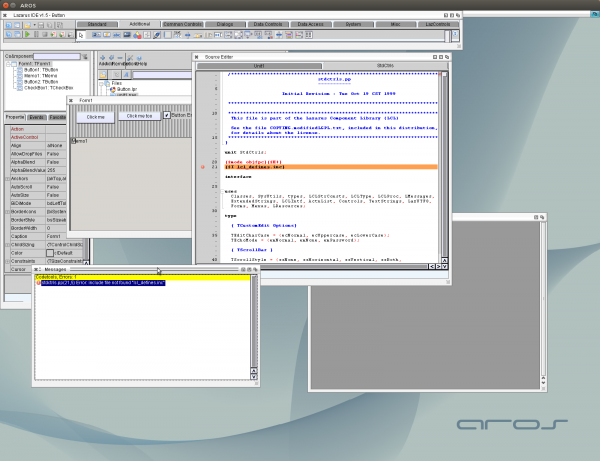
But back to the problem, (as visible in the screen shot) the crash appears to be in Classes.TFPList as we know already from the exception text. The function before is in MUIBaseUnit :-O so it’s in my code 😉
So my initial guess was not so bad, it has something to do with the timers, the timers are checked before the MUI messageloop is polled.
  for i:= 0 to FTimers.Count -1 do
  begin
    TMUITimer(FTimers.items[i]).CheckTimer;
  end;
Which looks fine for the first moment, BUT if a Timer is removed (Deleted/Disabled inside a TimerEvent (another or the same)) the Count is not evaluated again in a for loop so this Index error can appear.
The for loop must be replaced by a loop which evaluates the FTimers.Count again, for example:
  i := 0;
  Num := FTimers.Count;
  while i < FTimers.Count do
  begin
    TMUITimer(FTimers.items[i]).CheckTimer;
    if Num = FTimers.Count then
      Inc(i)
    else
      Num := FTimers.Count;
  end;
Mostly the timer self is removed (disabled), so we increase "i" only if the count did not change. This should be bullet proof for list index problem. But of course it can be some timers get called not so often (lets guess, a timer is activated and an other one is deactivated), but it only means a timer is fired 25-50 ms later which should be ok.
hmm seems I opened Pandoras Box with compiling Lazarus. Of course its very unstable and buggy, so many bugs that its hard to decide where to start. So I started with the crashes on start and some redrawing issues I noticed.
Not sure whats wrong but the non-buffered drawing does not work well. For example the SynEdit looks nice with buffered drawing… when non buffered Drawing happen the upper quarter of the picture is empty. So it would be nice to always used buffered drawing (as long it does flicker less and is faster) But sadly with native MUI Widgets I can not use Buffered drawing. The reason is that the MUI drawing of the children only draws directly to the window and not to the buffer. So when the buffer is drawn to the window the MUI Objects are overpainted. So I first clip the buffer to window and then call the Childs to do a redraw, works nicely so now I alsways can use buffered drawing. I think LAter I should ckeck if some more optimizations can be done here (turn off the background drawing of MUI for example).
An other big part of the was the file handling and Text sizing. There this bad behaviour of lazarus showed up again, they implemented all the RTL functions for file handling again. For example found again a System: -> System:/ conversation, instead of using IncludeTrailingPathDelimiter(). I guess I have to recheck all the file utils again.
The Text Width/Height function is often called, even there is no RastPort available (outside paint event or even before the window is open). The height one can get directly from the Font, which solved the issue. The Width is a little bit more difficult, especially for not fixed width fonts. But even so I get some problem with the Toolbar buttons, the complete Window does not redraw anymore :-O if the Textwidth is bigger than 0 very strange, but I guess this I can also debug outside Lazarus with a little test application.
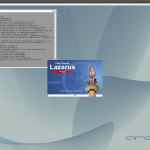
After made so many additions to LCL I thought it might worth to try again to compile and start Lazarus.
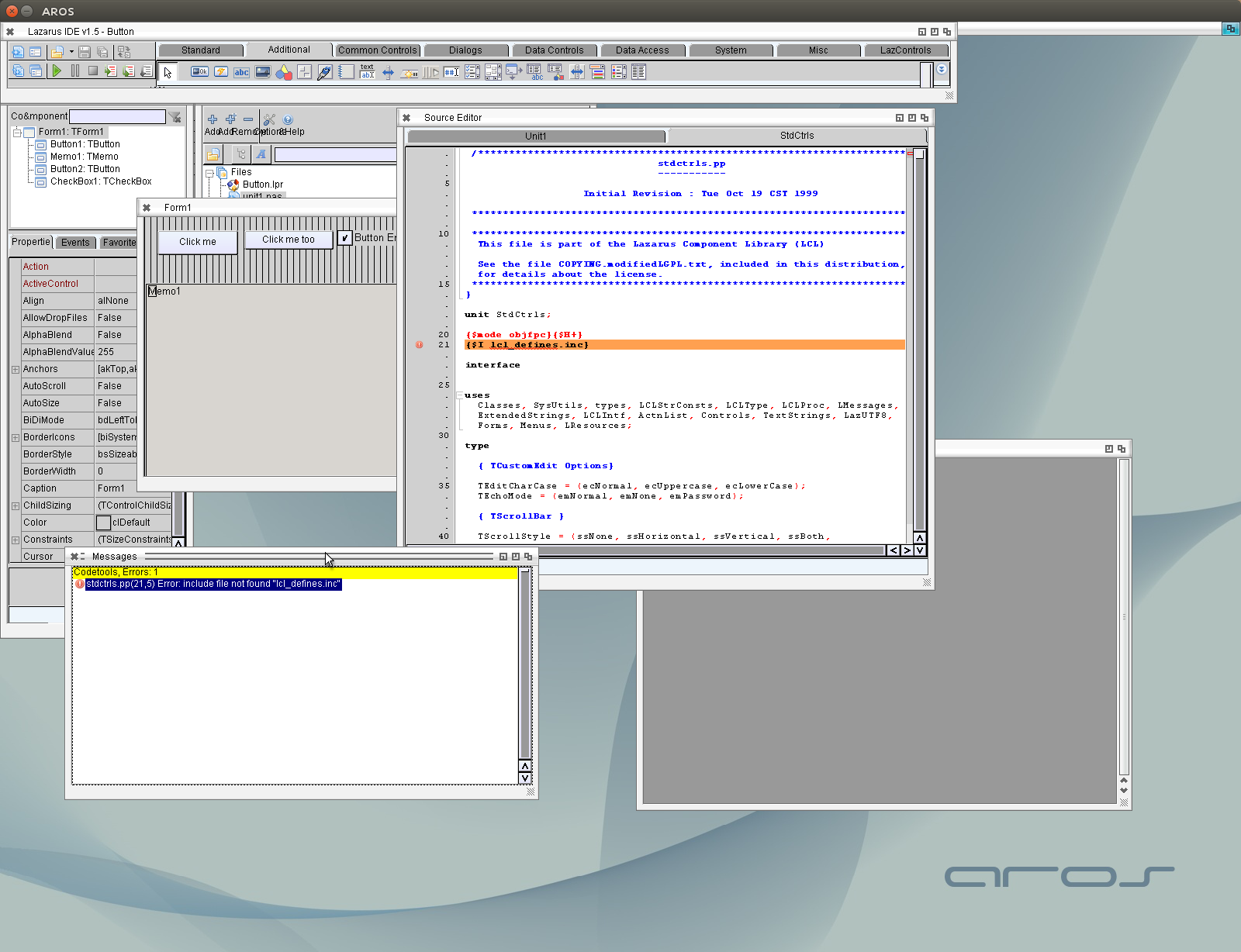
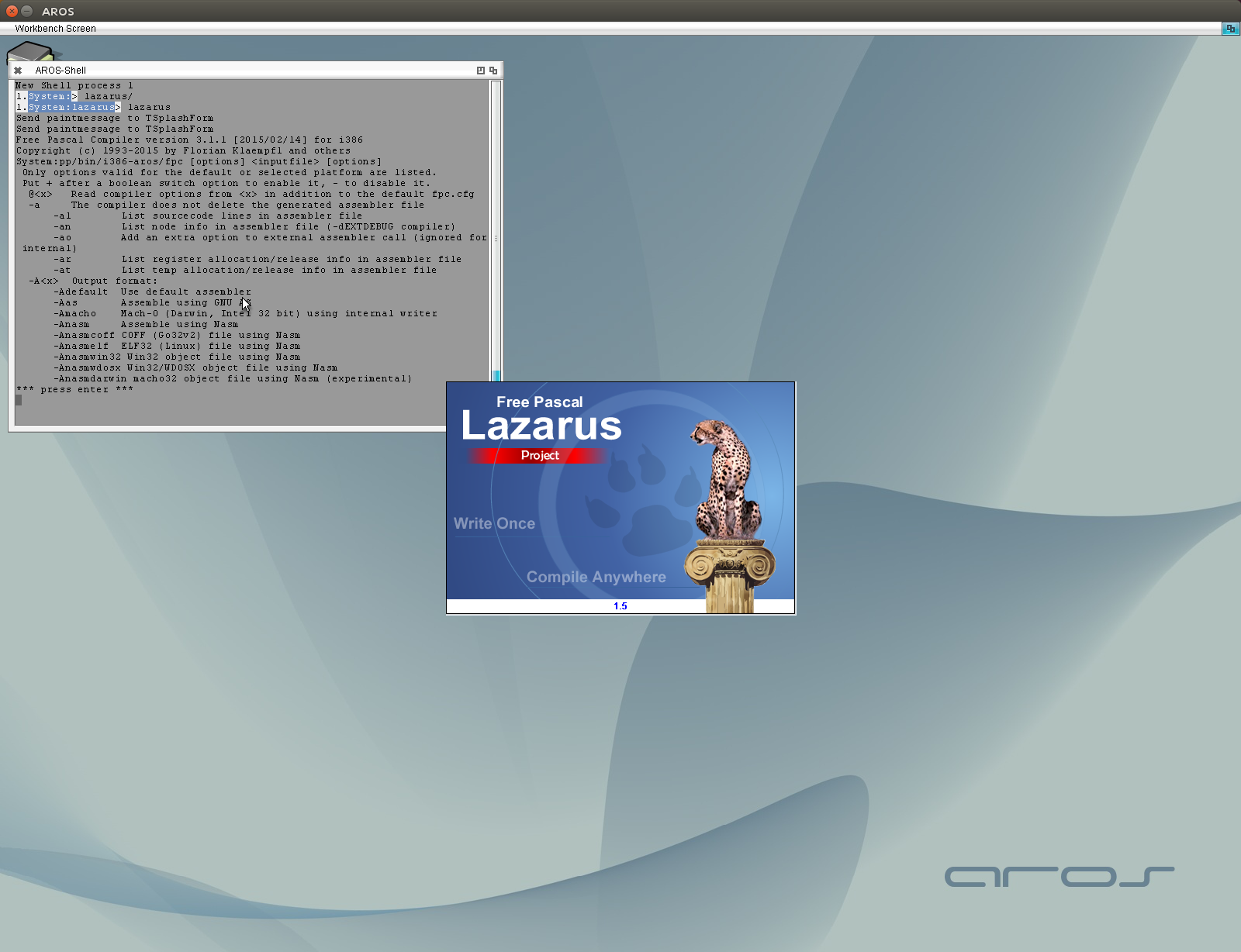
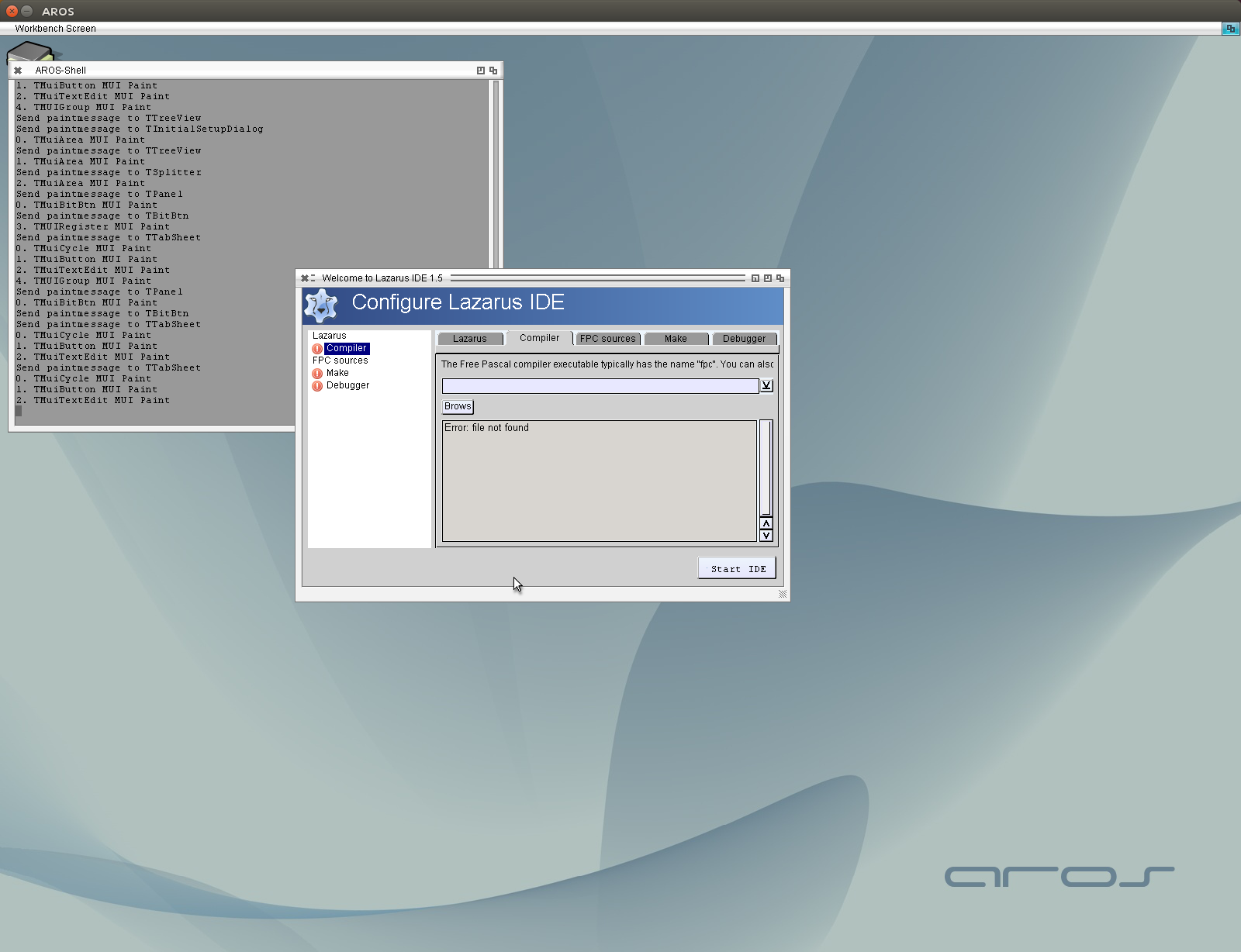
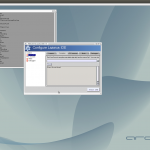
and YEAH at least it to directly crashes (as before) the Splashscreen is shown and also the initial setup dialog. The setup dialog does not find the tools I have, the problem seems to be that it starts the tools (visible in the first picture on the freepascal help output in the console) but the parameters are not supplied and of course its not possible to catch the output. I have to check how lazarus start these programs, I guess its TProcess, I already noticed that TProcess on AROS somewhat work, but the parameter are not supplied.
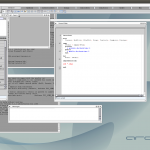
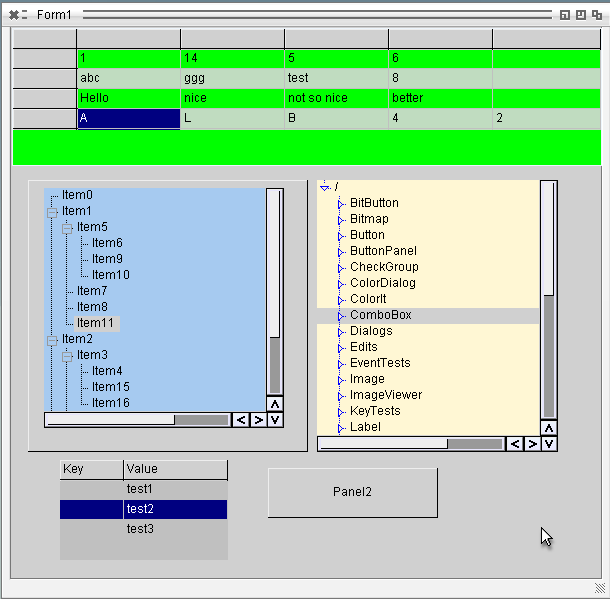
The Treeviews are working in principle, just the scrollbars are not in place, The position of them is set too early, before they are created. Besides this the Trees work rather nicely also the shelltreeview. But the Edit has the same problem as in the stringgrid or valueedit. It draws not right, I didn’t find out whats wrong there the edit is completely with text on white background, only at the cursor/selection you can read the char. I still have no idea why MUI paint this in the wrong way, especially because the scrollbars are painted in the right way… very strange.
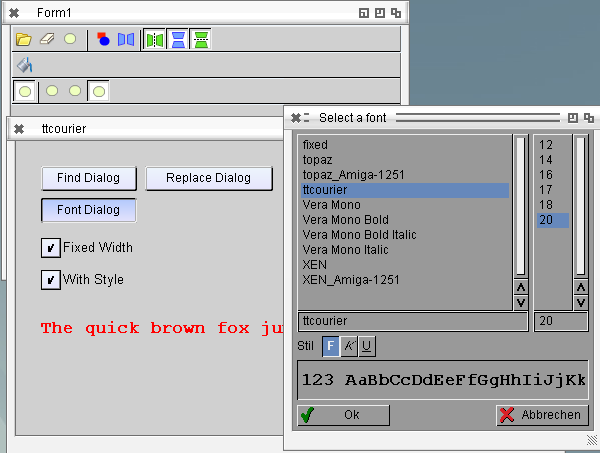
Worked on the Font Dialog and ToolBar, the toolbar needed some addition work on the theming engine… I’m not completely sure how this theming engine work. Needs some more linux debugging I guess.
The fontdialog is just directly assigned to the ASL works very nicely.
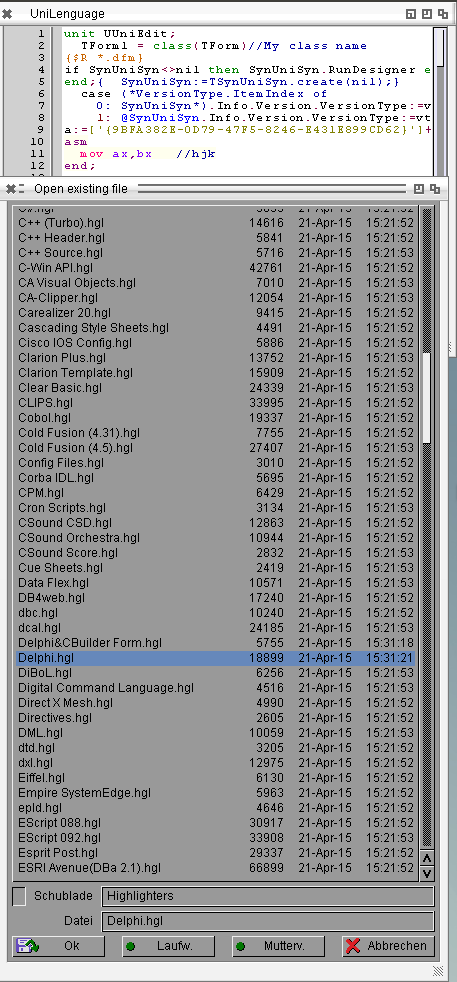
The SynFacialHighlighter seems not to work on AROS, because no WideStringmanager is available, one way would be to write a Widestring manager (maybe would be good idea to do so also for the basic Freepascal implementation) or search for a different customizable highlighter. I found already one (included in Lazarus) SynUniSyn. The main problem is that this is just a very basic port from the delphi SynUniSyn and the original SynUniSyn is very hard to find (at least the original Pages are down, and sourceforge and so on are empty), so no Highlighter example files available. But I found a very old source of an editor wich have in an older repository version the sources and 311 (!!) Highlighters included.
So it works, also on AROS, maybe some tiny changes must be done, for example the C++ highlighter turns everything into uppercase. But this could be done I think, I will play a little bit with it.
Source at Github
Binary AROS i386
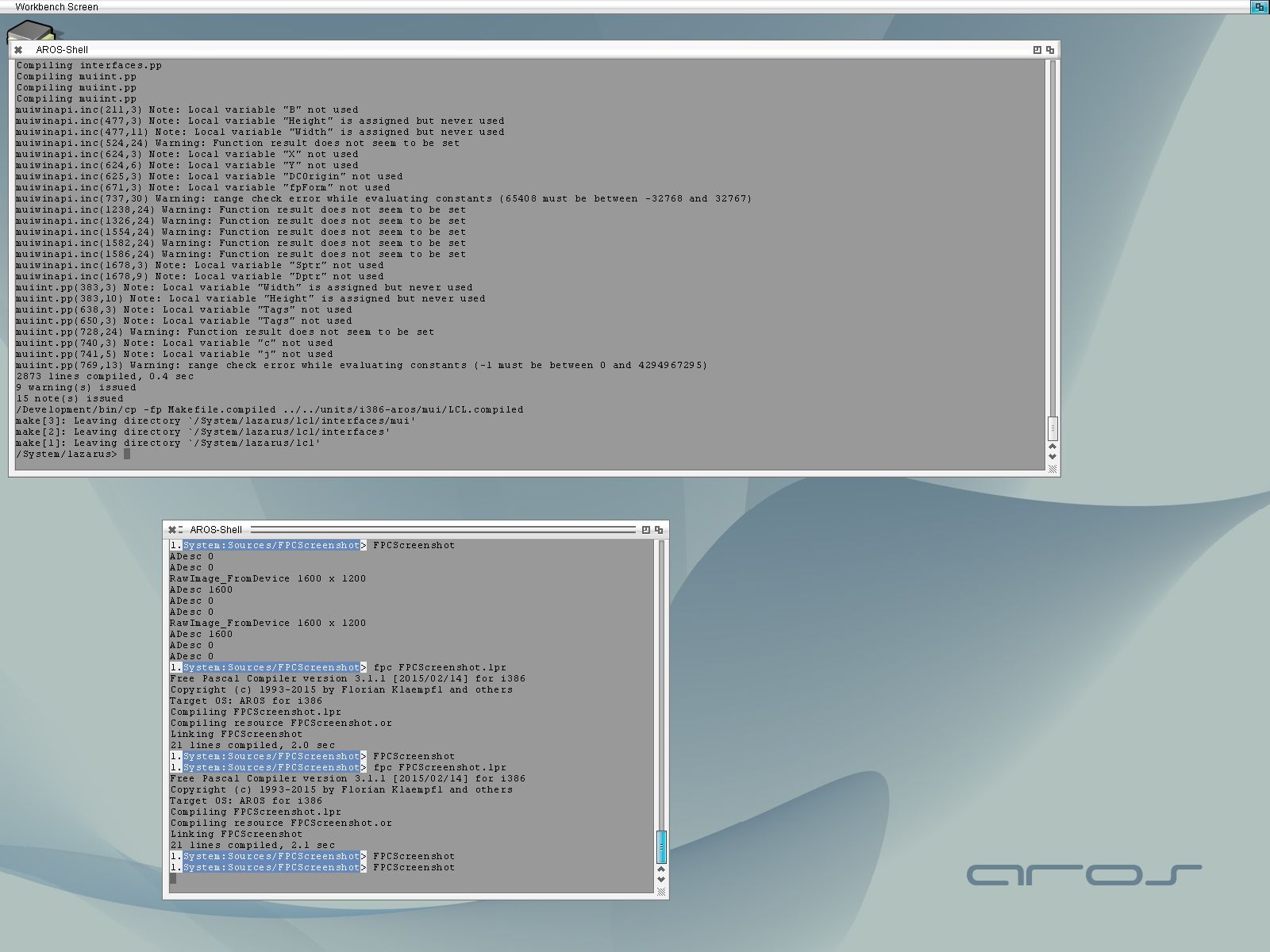
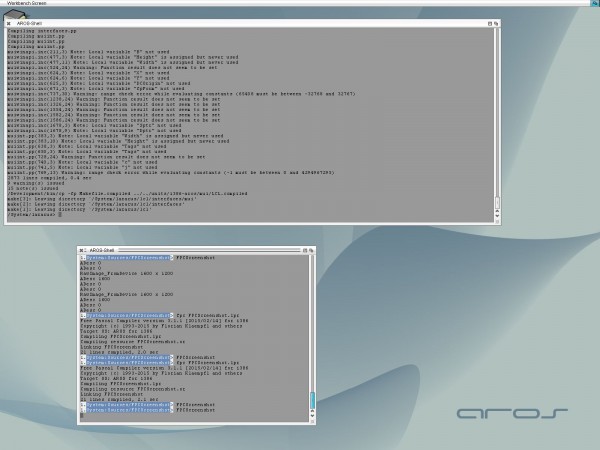
Implemented Screenshot possiblity for AROS, works very nice. Also found a source, how to make a screenshot
without the windows, the application.Minimize and Restore was long time implemented already but I never tried.
so here the source to create a screenshot:
procedure TForm1.Button1Click(Sender: TObject);
var
  MyBitmap: TBitmap;
  ScreenDC: HDC;
  WrkJpg: TJpegImage;
begin
  Application.Minimize;
  Application.ProcessMessages;

  Sleep(32);

  MyBitmap := TBitmap.Create;
  ScreenDC := GetDC(0);
  MyBitmap.LoadFromDevice(ScreenDC);

  Application.Restore;
  Application.BringToFront;

  WrkJpg := TJpegImage.Create;
  try
    WrkJpg.CompressionQuality := 80;
    WrkJpg.Assign(MyBitmap);
    WrkJpg.SaveToFile('test.jpg');
  finally
    FreeAndNil(WrkJpg);
  end;
  ReleaseDC(0, ScreenDC);
  FreeAndNil(MyBitmap);
end;
and the resulting Image:
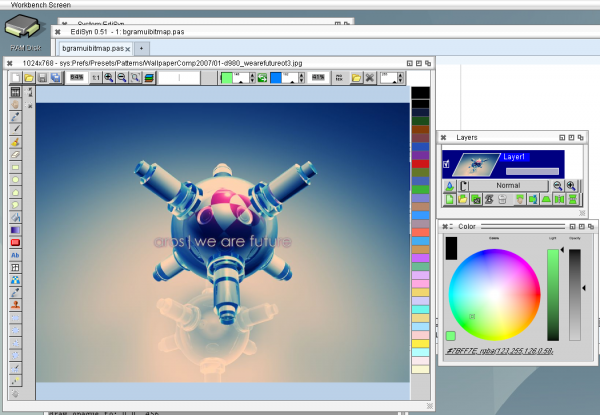
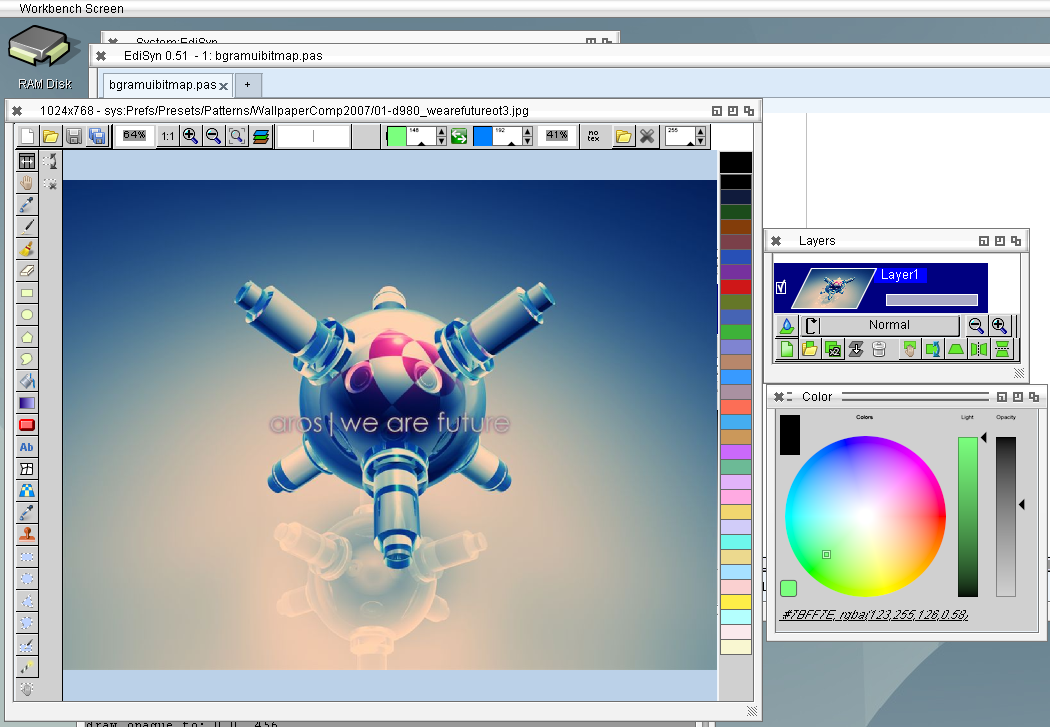
Finally go LazPaint somewhat working, yesterday was just with many dummy functions in the bgrabitmap package. Today I wrote some implementations of this. It works, but it is VERY slow, because the drawing functions like WritePixelArray are very slow when drawing to a ARGB Screen. Maybe a clever conversation before will improve it. the other thing: it crashes very often, mostly List exceptions, I’m wonderring if thats the same as I got for EdiSyn, some fonts are too small to read.