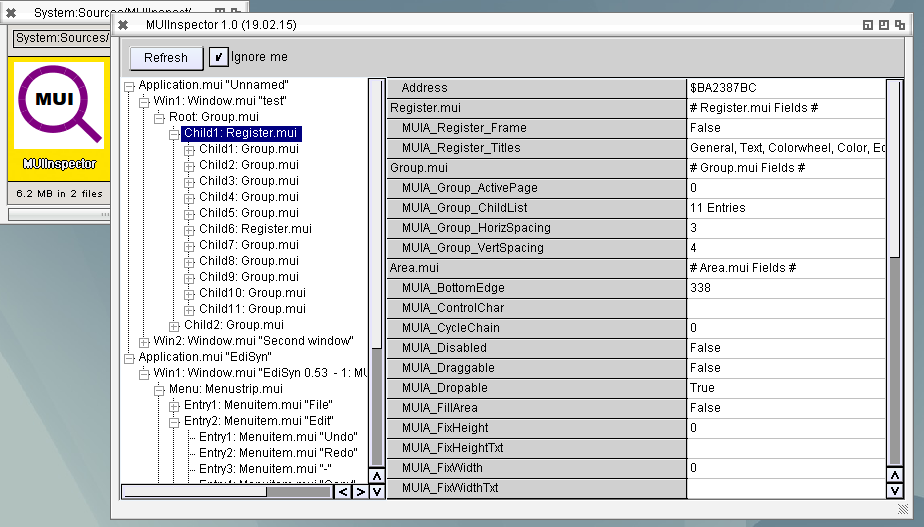
I wrote a program to Inspect MUI properties. Very helpful to read out positions and recheck the size calculations of LCL. The main problem at the start was how to tell the program which object I want to inspect. The idea was to type the address from debugout. But then I noticed that the Userdata of the intuition Window structure points to the MUI Window.mui object. Thats means I can simply browse through all the windows on the screen and search for windows with a Userdata and try to find if it is a MUI object. Check if the Class of the object is „window.mui“. I tested also with other UserData contents, „mostly“ it does not crash.
But this only works on AROS, I tried the same on MorphOS but there the UserData is always nil. Seems they use an other method to link them together, its a pity.
The program for i386-AROS is named MUIInspector and can be downloaded here:
MUIInspector 1.0 for AROS
Sadly many important fields of the MUI object are not readable so not all important things can be read back to the list.
Be warned, when the program which is inspected is quickly changing, means destroy/create objects, maybe the MUIInspector is crashing. So its really only a debugging tool for me, but maybe other find it interresting as well
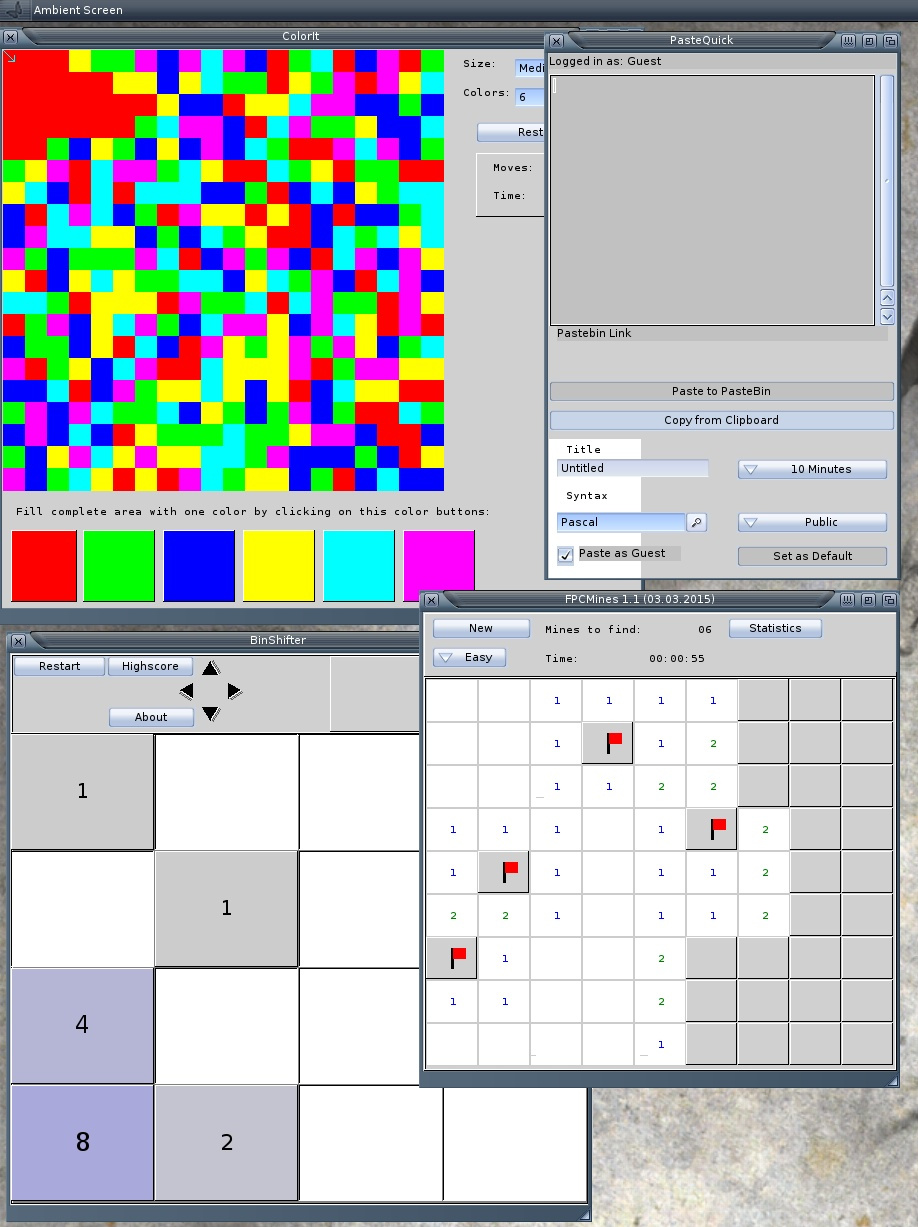
With this new fixed LCL for MorphOS I recompiled some of my AROS LCL Programs for MorphOS. THis time I striped them and packed the program with lzmaloader to make the executable smaller. So here they are:
- ColorIt – Game – Flood the field with the same Color
- FPCMines – Game – Minesweeper clone
- BinShifter – Game – 2048 clone
- PasteQuick – Application – Copy Clipboard contents to Pastebin.com and receive the link in Clipboard
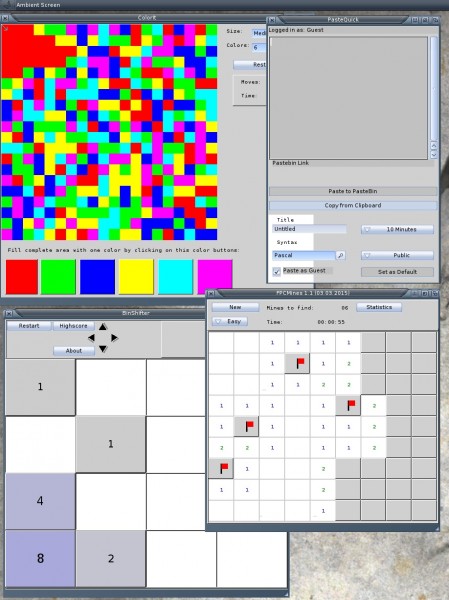
I tried to find the origin of the slowness for buffered drawing at MorphOS and it seems I found a clue. I allocated my Bitmaps always without BMF_DISPLAYABLE and this seems to be the Origin of the stuttering mouse and speed problems, now I changed all AllocBitmaps to use this flag and all it fast, especially the Bootup is now fast as I would expect. Seems my Drawing routine needs a little bit more work and thinking. At least its fast now and the color problems are also gone.
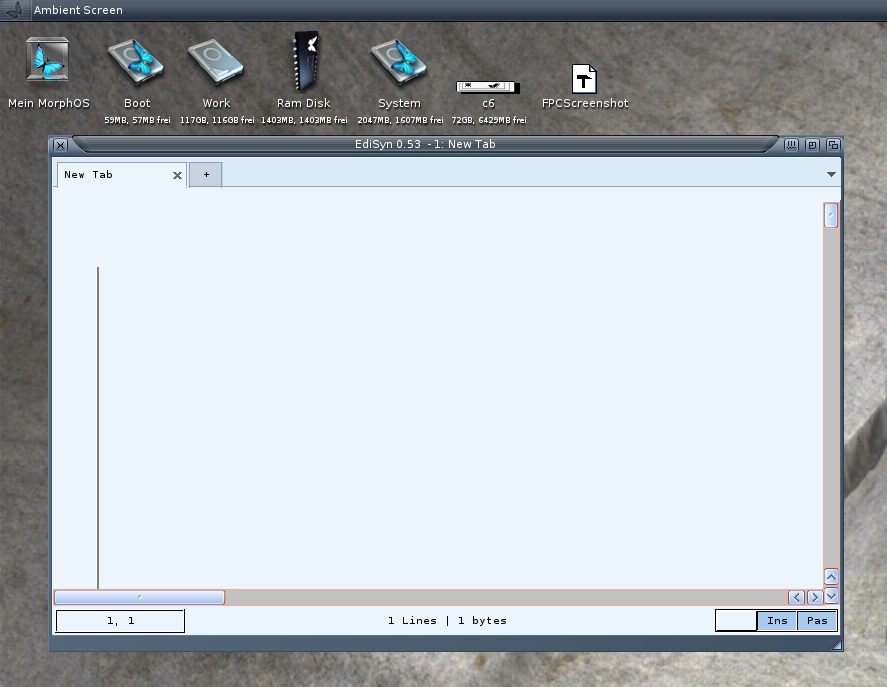
EdiSyn on MorphOS, at least it does not crash anymore, but it need long time to start and the SynEdit does not show anything, Menu also does not work, hmm strange.
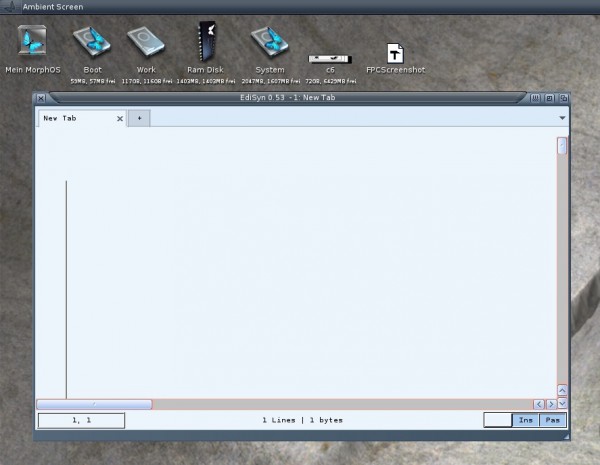
Some more strange things appear, the Edits does not show the contents if the edit cursor is active in it, when one leave the Edit, the test is visible, also the TextEditor and Scrollbars have some strange colors. But it become even more strange: When I start the m68k-amiga version on MorphOS it looks ok to me (also in WinUAE or on a Native Amiga 1200)